Download test 3 - TRENDnet

Transcript
TEW-818DRU
TRENDnet User’s Guide
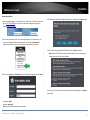
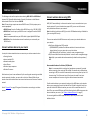
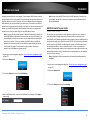
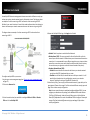
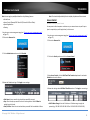
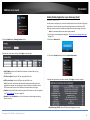
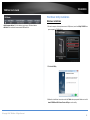
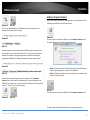
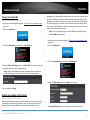
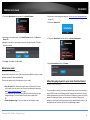
1. Log into your router management page (see “Access your router management page”
on page 17).
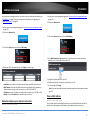
2. Click on the Advanced tab.
3. Click on the Administrator section and click on Router Status.
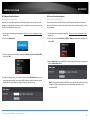
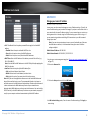
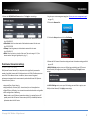
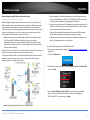
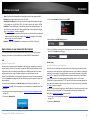
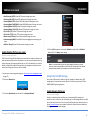
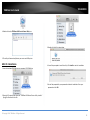
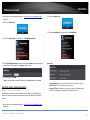
3. Click on the Administrator section and click on Settings Management.
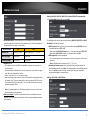
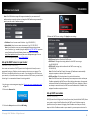
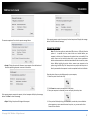
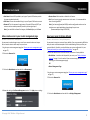
4. Click the WAN Ping Respond drop-down list and select Enabled to allow ping requests
from your router to the Internet. Click Apply to save settings.
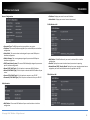
System Info
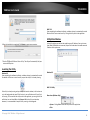
5. To save changes, click Apply.
Note: If you would like to discard the changes, click Cancel before you click Save.
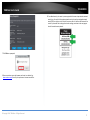
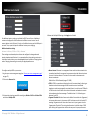
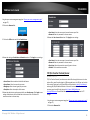
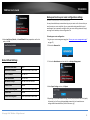
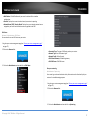
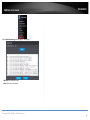
Check the router system information
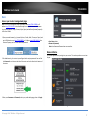
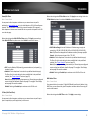
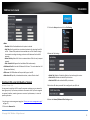
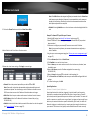
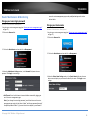
Advanced > Administrator > Router Status
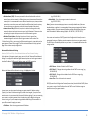
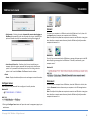
• Firmware Version: The current firmware version your router is running.
• System Time: The current time set on your router.
• Router Up Time: The duration your router has been running continuously
without a restart/power cycle (hard or soft reboot) or reset.
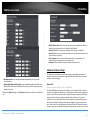
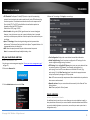
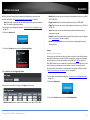
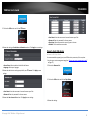
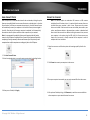
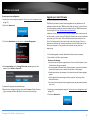
You may want to check the system information of your router such as WAN (Internet)
connectivity, wireless and wired network settings, router MAC address, and firmware
version.
1. Log into your router management page (see “Access your router management page”
on page 17).
© Copyright 2014 TRENDnet. All Rights Reserved.
55