1
RKP215 / RKP217 / RKP219
User Manual
10. LCD Session
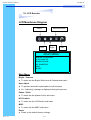
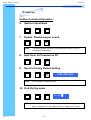
Bright / Contrast
1. Brightness
●
To perform brightness adjustment of the input RGB signal
●
Use the Left & Right button to adjust and button
to “Brightness”
2. Contrast
●
To adjust the contrast level of the input signal
●
Use the Left & Right button to adjust and button
to “Contrast”
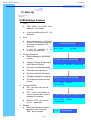
Phase / Clock
1. Phase
●
To adjust input video sampling clock’s phase
●
Use the Left & Right button to adjust and button
to “Phase”
2. Clock
●
To adjust input video sampling clock
●
Use the Left & Right button to adjust and button
to “Clock”
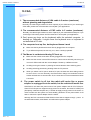
H/V Position
1. H.Position
●
To adjust the horizontal size of the frame
●
Use the Left & Right button to adjust and button
to “H.position”.
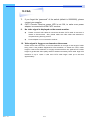
2. V.Position
Rev. : 1.0
●
To adjust the vertical position of the frame
●
Use the Left & Right button to adjust and button
P.12
to “V.position”.