1
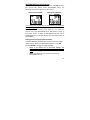
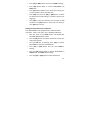
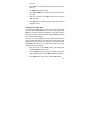
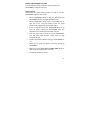
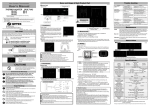
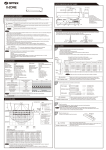
Setting the Time Out in PIR mode: Your WATCHMAN can be programmed to set the amount of time in seconds or minutes WATCHMAN will sleep between PIR triggers. • Slide the switch to the CAM position, LCD display will show WATCHMAN status screen. • Press the [M] button once within 30 seconds to enter the programming mode. • The word PIR will be blinking, press [OK] to confirm WATCHMAN’s operation is PIR detection. • Press [UP] or [DN] button until the word T-‐O (Time Out) is blinking. • Press [OK] button and the MINUTES digits will be blinking. • Press [UP] or [DN] button to increase or decrease the time value in minutes from 00 to 10 minutes in 1-‐minute increments. • Press [OK] to save the minute setting and the SECONDS digits will be blinking. • Press [UP] or [DN] button to increase or decrease the time value in seconds from 01 to 55 seconds in 5-‐second increments. • Press [OK] to save the second setting. • You’ll then see the word T (Time) blinking. Press [OK] button to enter time setting or press [M] button to exit. 21