1
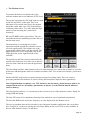
Note: The text can only be selected when the Modem is Off (Modem On/Off Button) as it makes
the selection much easier and prevents the flickering of the screen when data is received.
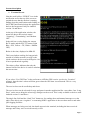
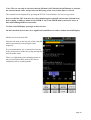
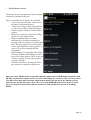
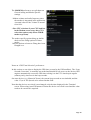
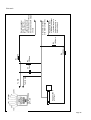
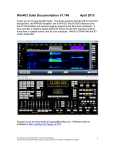
The waterfall can be displayed by pressing the W.FALL on/off button. See screen copy below.
Be aware that the CPU load increases when displaying the waterfall and on some (old and slow)
devices doing so while on multi-carrier PSKR or any of the THOR modes can lead to losses of
data AND making RSID not detectable.
Use this waterfall display sparingly on these devices.
On most modern devices there is no significant load difference with or without waterfall display.
Modem screen with waterfall:
Note the tick mark on the top side of the waterfall
which represents the current signal centre
frequency.
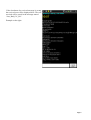
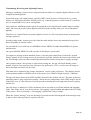
It is recommended to use a custom list of modes
in the preferences to make the cycling through the
desired modes faster.
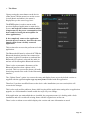
There is a slight delay when changing modes as
the previous audio buffer needs to be cleared
completely before switching mode.
Page 13