1
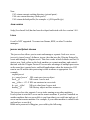
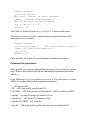
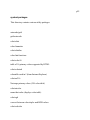
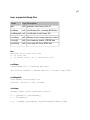
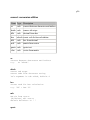
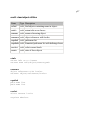
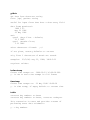
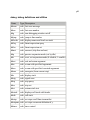
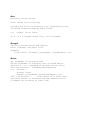
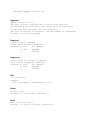
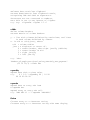
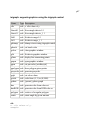
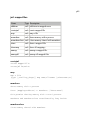
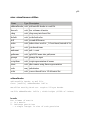
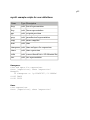
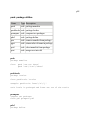
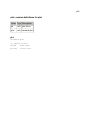
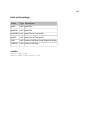
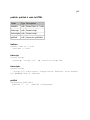
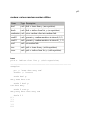
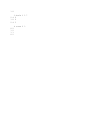
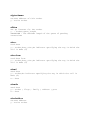
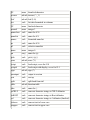
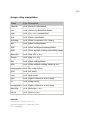
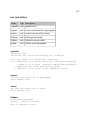
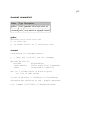
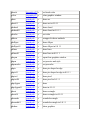
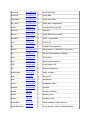
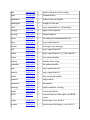
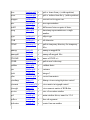
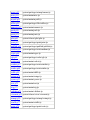
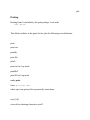
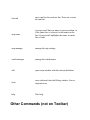
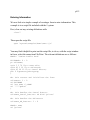
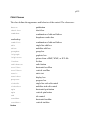
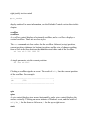
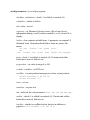
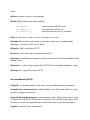
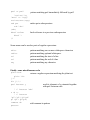
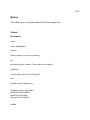
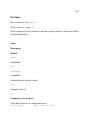
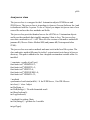
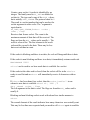
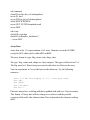
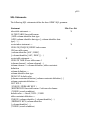
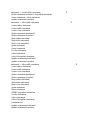
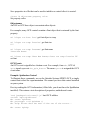
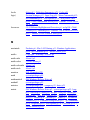
activates selected window
move and size selected window
(pixels)
opens selected filename, if not
already open
reads data from selected window
saves selected window (if
modified)
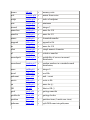
scrolls selected window
set selected text
selects window, by its filename
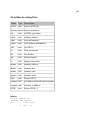
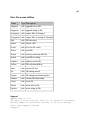
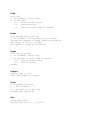
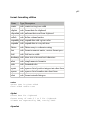
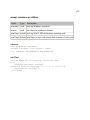
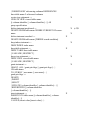
shows selected window, with
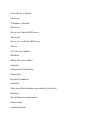
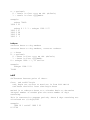
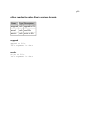
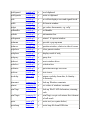
parameters from the set:
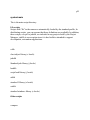
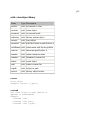
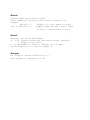
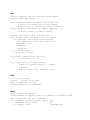
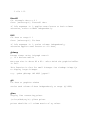
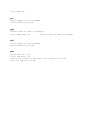
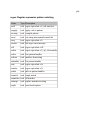
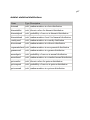
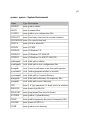
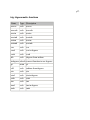
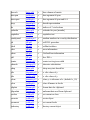
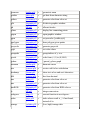
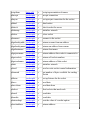
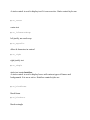
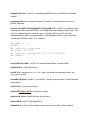
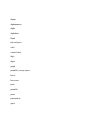
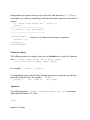
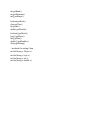
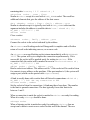
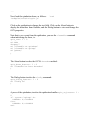
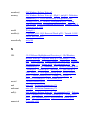
smfocus
smmove xywh
smopen
smread
smsave
smscroll n
smsetselect
smsel
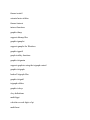
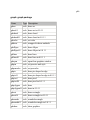
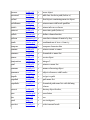
smshow param
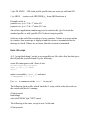
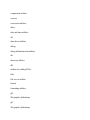
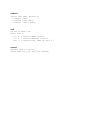
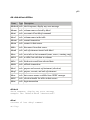
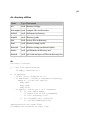
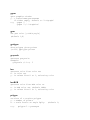
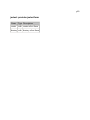
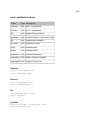
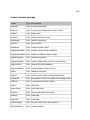
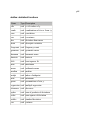
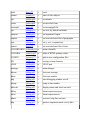
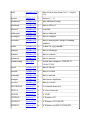
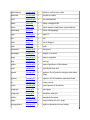
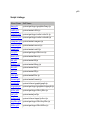
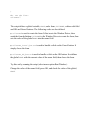
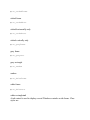
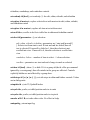
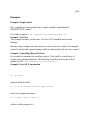
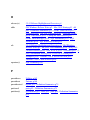
sw_hide
sw_minimize
sw_show
sw_showminimized
sw_showminnoactive
sw_showna
sw_shownormal
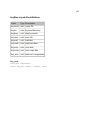
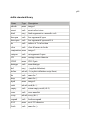
sw_maximize
sw_restore
sw_showmaximized
sw_shownoactivate
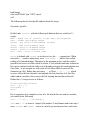
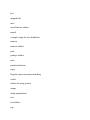
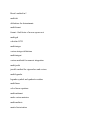
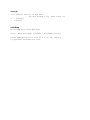
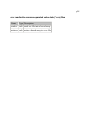
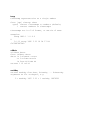
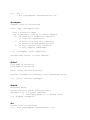
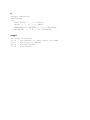
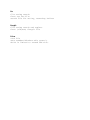
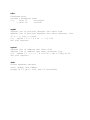
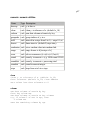
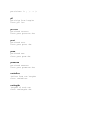
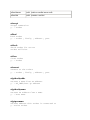
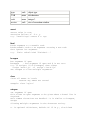
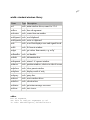
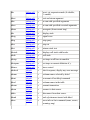
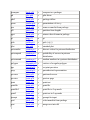
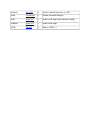
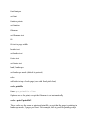
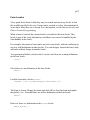
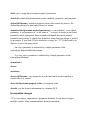
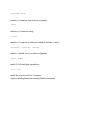
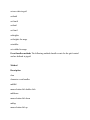
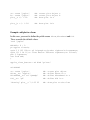
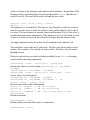
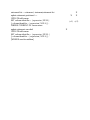
smssetcmd n t name sentence
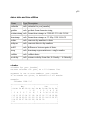
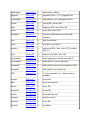
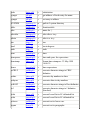
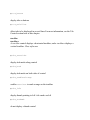
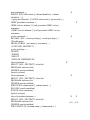
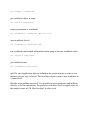
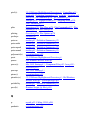
smtile
smtilea
smwrite
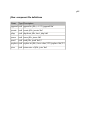
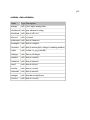
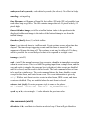
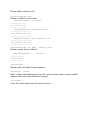
modifies Tools menu
tile windows down
tile windows across
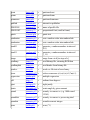
writes text to selected window
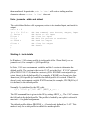
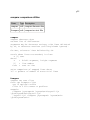
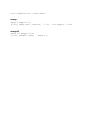
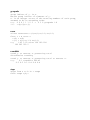
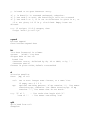
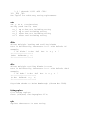
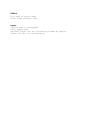
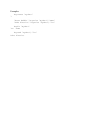
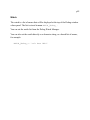
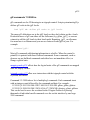
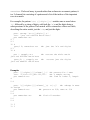
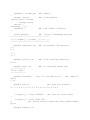
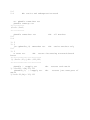
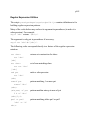
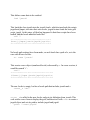
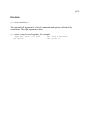
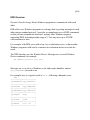
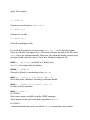
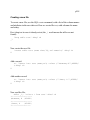
For example, the following will open file user\mywork.ijs for editing and make it
the active window:
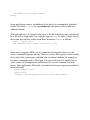
wd 'smsel "user\mywork.ijs";smopen;smfocus'
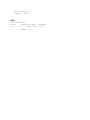
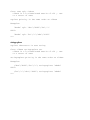
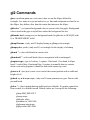
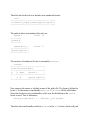
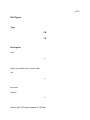
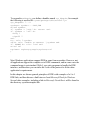
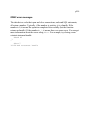
Having opened the window, you could write some text (e.g. in the noun TXT) to it
as follows:
wd 'smwrite *',TXT