1
Chapter 15
Using The Library Manager
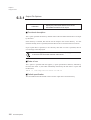
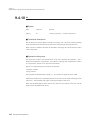
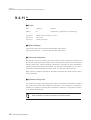
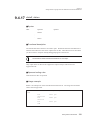
Js
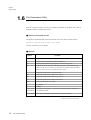
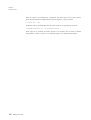
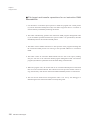
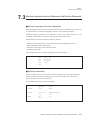
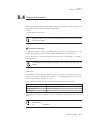
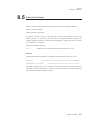
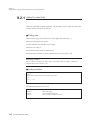
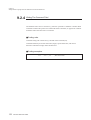
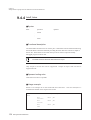
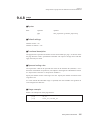
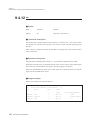
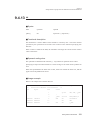
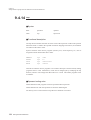
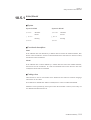
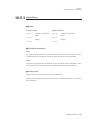
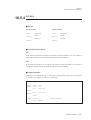
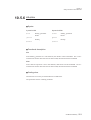
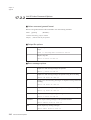
Output error and warning messages in Japanese using Shift JIS encoding
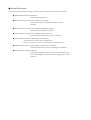
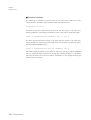
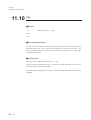
■ Functional description
This option causes all error and warning messages and help screens sent to the console to
appear in Japanese using Shift JIS coding.
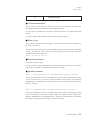
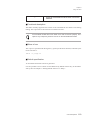
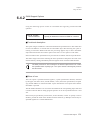
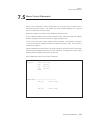
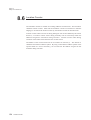
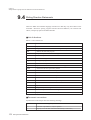
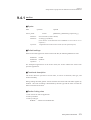
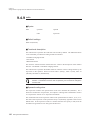
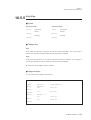
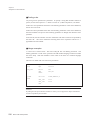
■ Rules of use
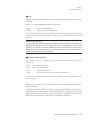
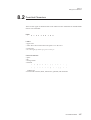
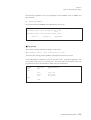
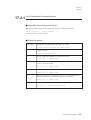
To specify the option, enter the hyphen (-) followed by the upper case letter 'J' and the
lower case letter 's'. The two letters together function as a single option.
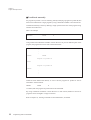
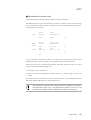
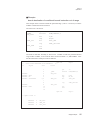
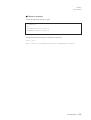
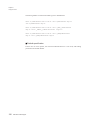
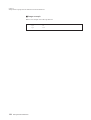
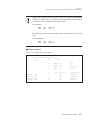
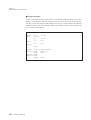
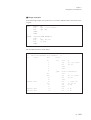
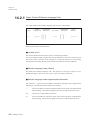
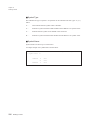
slib103 test.lib -f -Js test1.rf test2.rf test3.rf
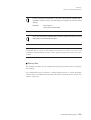
This option is not available on PC/AT machines.
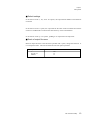
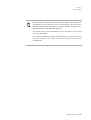
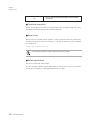
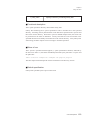
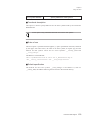
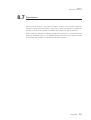
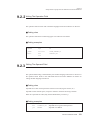
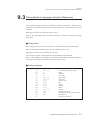
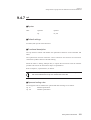
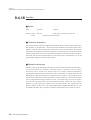
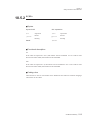
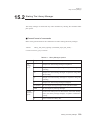
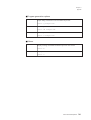
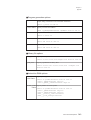
■ Default specification
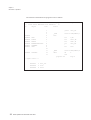
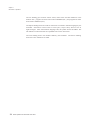
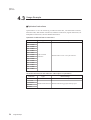
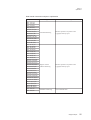
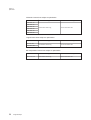
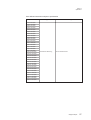
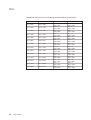
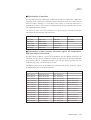
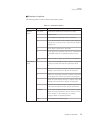
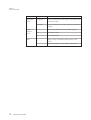
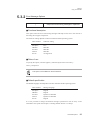
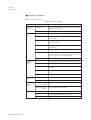
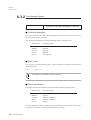
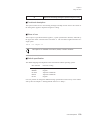
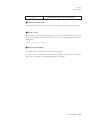
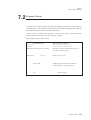
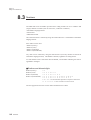
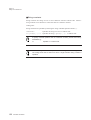
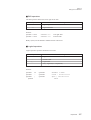
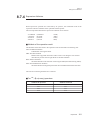
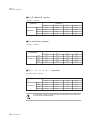
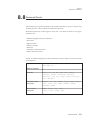
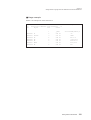
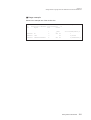
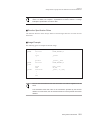
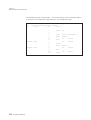
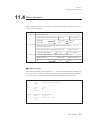
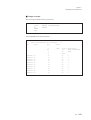
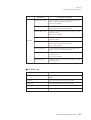
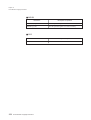
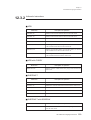
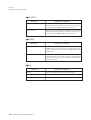
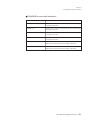
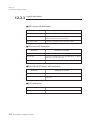
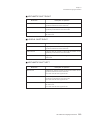
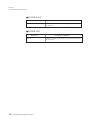
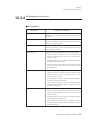
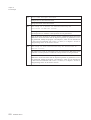
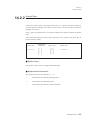
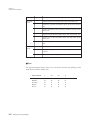
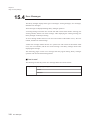
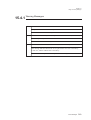
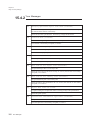
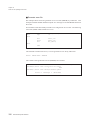
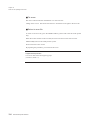
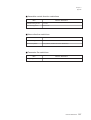
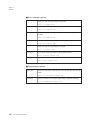
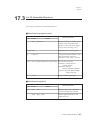
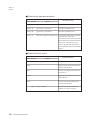
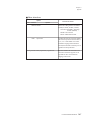
The default language used depends on the host machine and the operating
system.
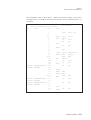
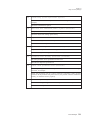
Host machine
Message language
Sun/Sparc
HP9000
PC-9801
DOS/V
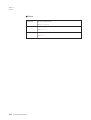
PC/AT
English
English
Japanese in Shift JIS
Japanese in Shift JIS
English
Command Options
303