1
5 Function Setting
LF(R) Series Operation Manual
5-13-4 Span adjustment history
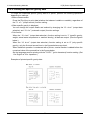
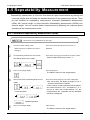
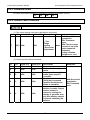
Use this function to display and print the history of span adjustments. The balance saves the
history data of the last ten span adjustments with the history numbers “HIS.1” (newest) to
“HIS.10” (oldest).
This function does not work when no history data is saved.
History data cannot be deleted once it is saved.
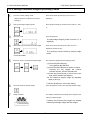
1
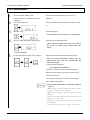
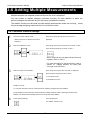
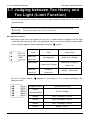
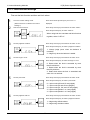
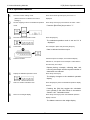
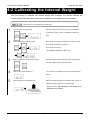
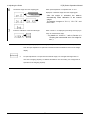
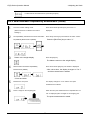
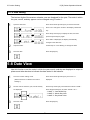
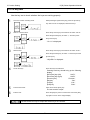
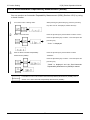
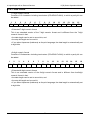
Go to the function 2 setting mode.
While pressing the [Zero/Tare] key, press the [Function]
key. After “Func2” is displayed, release the keys.
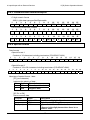
+
2
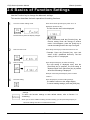
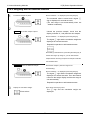
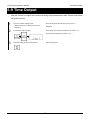
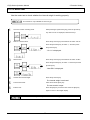
Select α-check function.
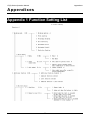
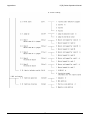
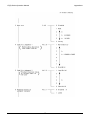
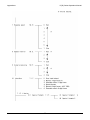
Press the [Function] key several times to select “5.S.dn.”
Press the [Zero/Tare] key to select “1” and then press the
[Function] key.
“51.d.t.” is displayed.
3
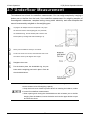
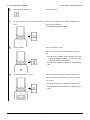
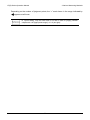
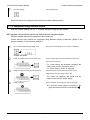
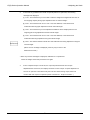
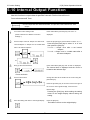
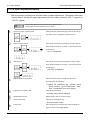
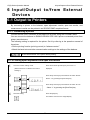
Start the test.
Press the [Function] key several times to select “54.Sc.t.”
Press the [Zero/Tare] key to select “1” and then press the
[Function] key.
“CAL.HiSt.” is displayed.
4
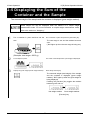
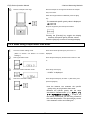
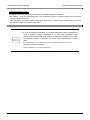
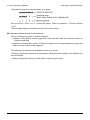
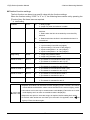
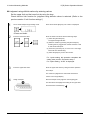
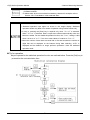
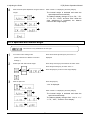
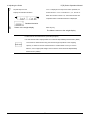
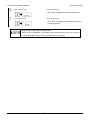
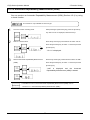
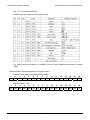
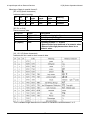
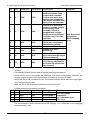
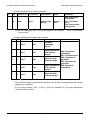
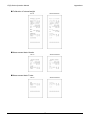
Display details of history data.
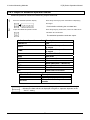
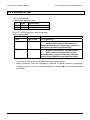
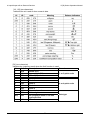
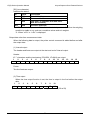
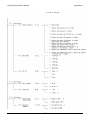
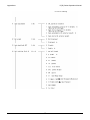
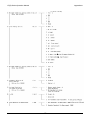
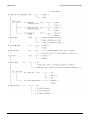
When the history number is displayed, press the
[Zero/Tare] key several times.
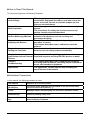
Pressing the [Zero/Tare] key cyclically shows
“history number,” “type of adjustment,” “date,”
“time,” “temperature” and “error display.”
5
6
7
8
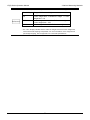
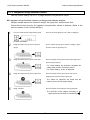
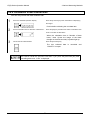
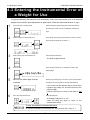
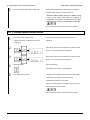
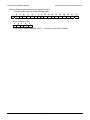
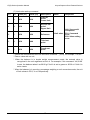
Display the next history data.
Press the [Function] key.
The next history data is displayed.
Repeat steps 4 and 5.
Repeat steps 4 and 5 to view the history.
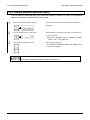
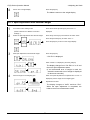
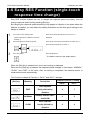
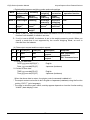
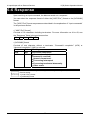
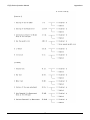
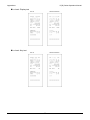
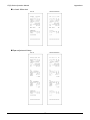
Print the test result.
Press and hold the [Print] key.
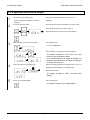
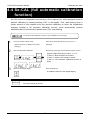
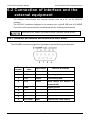
End the test.
Press the [Set] key to end the test. Press the [Set] key
The test result is output.
again to return to the weight display.
- 86 -