1
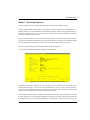
2 File Maintenance
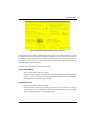
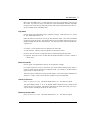
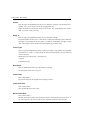
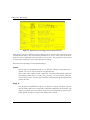
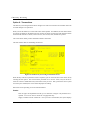
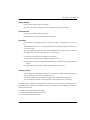
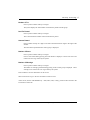
Name
Enter an alphanumeric field, up to 30 characters in length. This field is required.
Furnish the vendor’s name. This name will generally appear next to the vendor number field
whenever it is displayed on other screens and reports. If this is a miscellaneous vendor, it
may be helpful to enter ‘Miscellaneous Vendor’ for the name. During invoice and hand check
entry for miscellaneous vendors, you can specify the actual name.
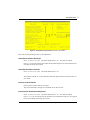
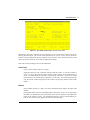
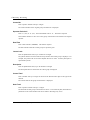
Address - Line 1
Enter an alphanumeric field, up to 30 characters in length.
Give the first line of the vendor’s address. You may want to enter the shipping address in this
line and the mailing address in the second line (see next field).
Address - Line 2
Enter an alphanumeric field, up to 30 characters in length.
You may want to enter the mailing address on the second line of the vendor’s address and the
shopping address in the first line.
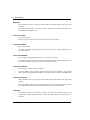
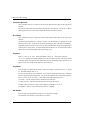
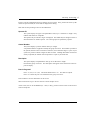
City
Enter an alphanumeric field, up to 20 characters in length.
Supply the city in the vendor’s address. Be sure to enter a comma(‘,’) after the city if you
want a comma to print between the city and state on the vendor’s check.
State
Enter an upper case alphanumeric field, up to 2 characters in length. Only letters are acceptable.
Provide the standard 2-letter state abbreviation. This entry should be in the State abbreviation
table.
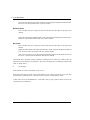
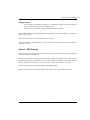
Zip
Enter an upper case alphanumeric field, up to 10 characters in length.
Supply the postal zip code.
Country
Enter an alphanumeric field, up to 20 characters in length.
Furnish the country name where the vendor is located.
42
Accounts Payable System Administration Manual