1
Physical Facilities
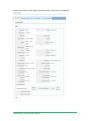
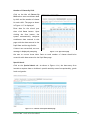
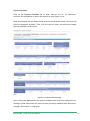
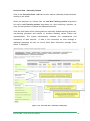
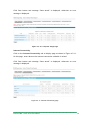
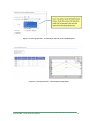
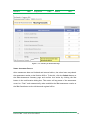
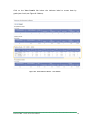
Click on the Physical Facilities tab to enter data on the no. of classrooms,
furniture and availability of water and electricity (see Figure 4.2-4).
Enter the quantity for the instructional and non-instructional rooms, furniture and
toilet or sanitation facilities. Then, tick the type of water and electricity supply
that are available to the school.
Figure 4.2-4. Physical Facilities page
Upon clicking the Save button the system validates data entered and displays error
message if data entered do not reconcile with previously inputted data. Otherwise,
message “Data saved” is displayed.
Enhanced BEIS – School Level Users Manual
17


![Section VII - Technical Specifications [ 920 KB]](http://vs1.manualzilla.com/store/data/005668651_1-8dca2c6e1104d59f56f239e80ee70ed9-150x150.png)