1
Teaching Assignment
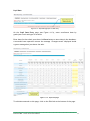
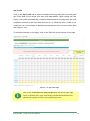
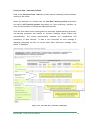
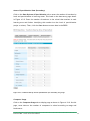
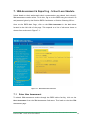
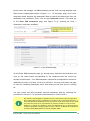
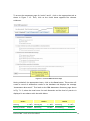
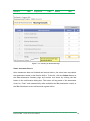
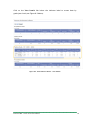
Click on the Teaching Assignment tab to enter data on nationally funded teachers’
teaching and non-teaching load. As shown in Figure 4.2-6, the system displays a
default list of teaching positions based on data entered in the Personnel Data – Natl
page. Hence, if a teaching position does not appear on this page, check the
positions entered in the Personnel Data – Natl page and enter additional teaching
positions.
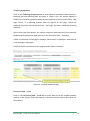
Upon clicking the Save button, the system reconciles these data with the nationally
funded teaching personnel data entered in the Personnel Data – Natl page.
If data is consistent in both pages, message “Data saved” is displayed, otherwise an
error message is displayed.
Click Edit link at the bottom of the page to enter data corrections.
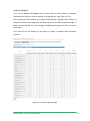
Figure 4.2-6. Teacher Assignment page
Personnel Data - Local
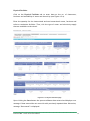
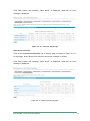
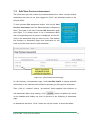
Click on the Personnel Data – Local tab to enter data on locally funded teachers
working in the school. Enter the number of teachers by fund source then click the
Save button.
Enhanced BEIS – School Level Users Manual
19