1
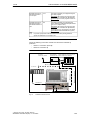
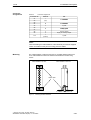
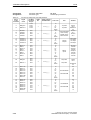
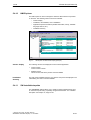
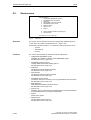
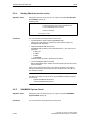
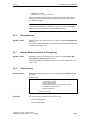
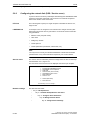
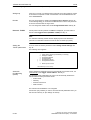
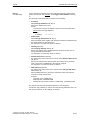
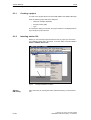
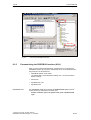
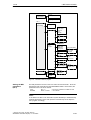
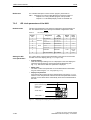
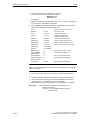
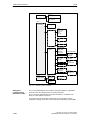
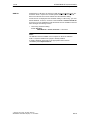
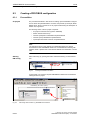
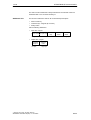
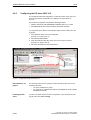
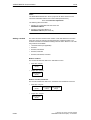
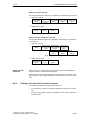
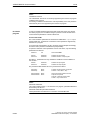
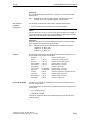
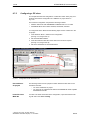
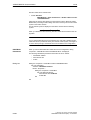
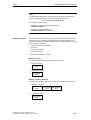
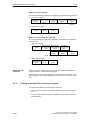
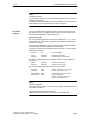
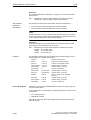
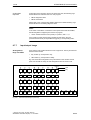
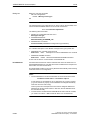
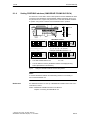
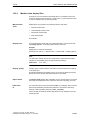
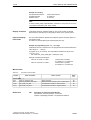
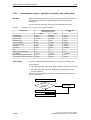
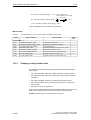
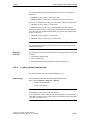
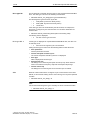
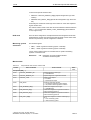
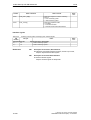
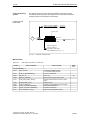
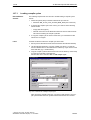
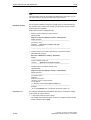
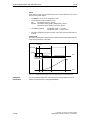
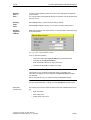
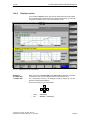
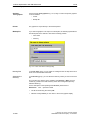
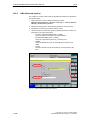
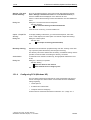
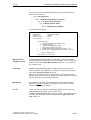
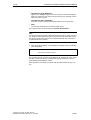
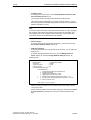
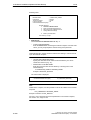
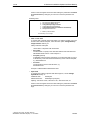
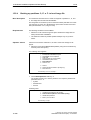
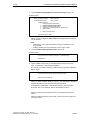
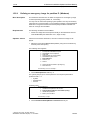
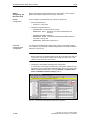
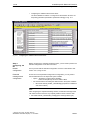
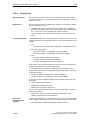
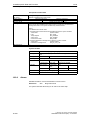
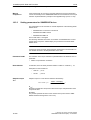
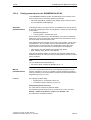
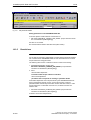
6 PLC Start-Up 6.3 Creating a SIMATIC S7 project 01.05 Note To check whether a module selected from the hardware catalog complies with the module in the automation system, the following procedure is recommended: 1. Put down the MLFB numbers of all modules used in the automation system. 2. Select the appropriate module from the hardware catalog and compare the order number (MLFB) displayed with the noted MLFB number. The MLFB numbers must be identical. 6.3.4 Inserting 840Di Rack 840Di Rack contains the already partially preconfigured components: SINUMERIK 840Di PLC Standard designation: PLC317-2DP 2AJ10 MPI/DP interface Standard designation: MPI/DP PROFIBUS DP interface Standard designation: DP SINUMERIK 840Di NC Standard designation: S7 FM NCU Inserting 840Di Rack The 840Di Rack is located in the hardware catalog under: Profile: Default SIMATIC 300 > SINUMERIK > 840Di > 840Di with PLC317-2AJ10 Use the right mouse button to select 840Di Rack and drag it to the Station window, holding down the mouse button. When you release the mouse button, 840Di Rack will be inserted in the S7 project. 6-156 Siemens AG, 2005. All rights reserved SINUMERIK 840Di Manual (HBI) – 01.05 Edition