1
UF6300_FAX_UK_PJQMC1263ZB.book 104 ページ
2008年12月10日 水曜日 午後1時26分
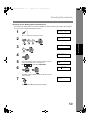
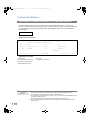
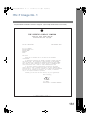
Fax Cover Sheet
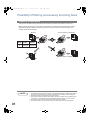
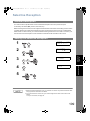
General Description
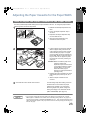
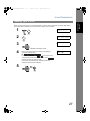
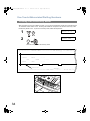
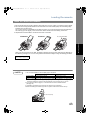
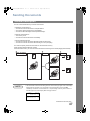
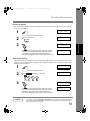
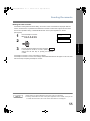
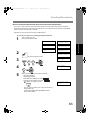
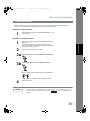
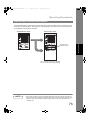
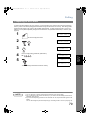
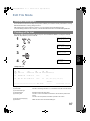
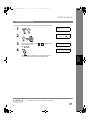
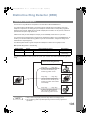
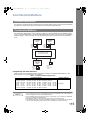
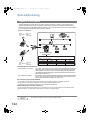
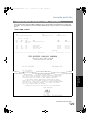
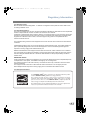
A Fax Cover Sheet can be automatically attached to your transmit document(s) that shows the recipient's
name, originator's name and the number of pages attached.
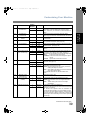
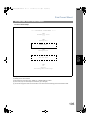
Transmitted as:
Page 1
Received as:
Page 2
Fax
Cover
Sheet
Header P.01
Header P.02
Page 1
Page 2
Total P.02
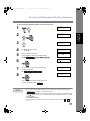
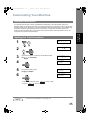
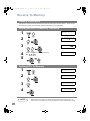
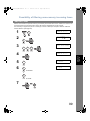
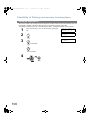
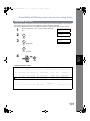
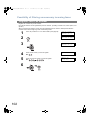
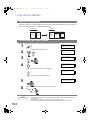
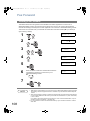
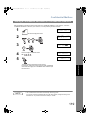
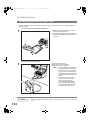
To use the Fax Cover Sheet
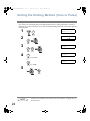
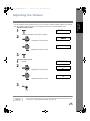
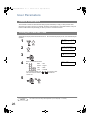
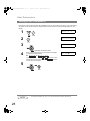
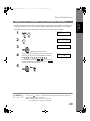
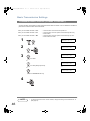
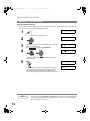
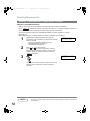
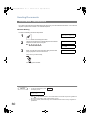
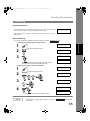
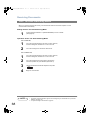
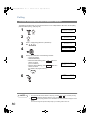
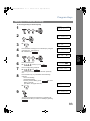
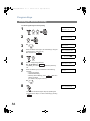
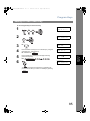
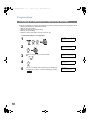
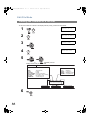
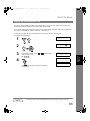
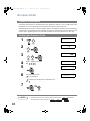
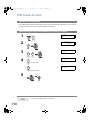
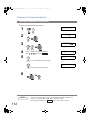
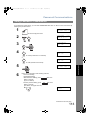
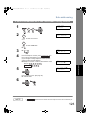
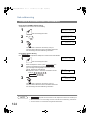
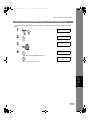
To attach a Fax Cover Sheet to a transmission, follow the procedure below.
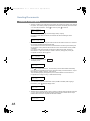
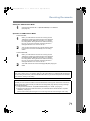
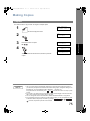
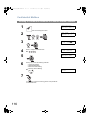
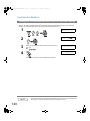
1
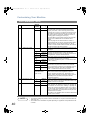
ENTER STATION(S)
THEN PRESS START 00%
Set document(s) face down.
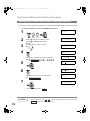
2
8
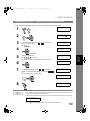
3
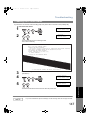
SELECT MODE
(1-9)
ENTER NO. OR ∨ ∧
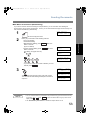
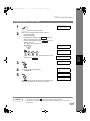
COVER SHEET=OFF
1:OFF 2:ON
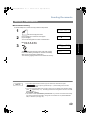
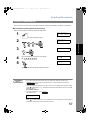
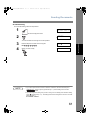
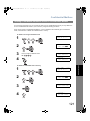
3
4
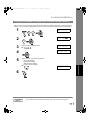
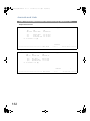
COVER SHEET=OFF
1:OFF 2:ON
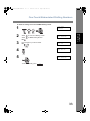
1
for "OFF" (Cover Sheet is not attached)
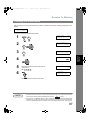
or
or
COVER SHEET=ON
1:OFF 2:ON
2
for "ON" (Cover Sheet is attached)
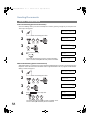
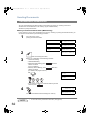
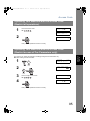
5
6
NOTE
104
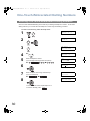
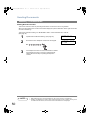
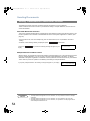
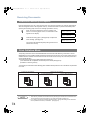
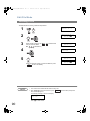
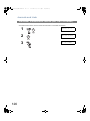
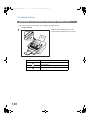
ENTER STATION(S)
THEN PRESS START 00%
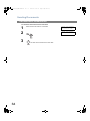
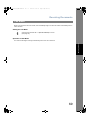
Dial the station(s) you wish to send the documents to.
Ex:
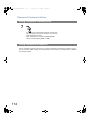
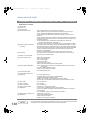
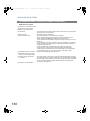
1. To change the preset Fax Cover Sheet Setting, change the setting of Fax Parameter No. 56.
(See page 39).
2. This function is available for memory or direct transmission modes.
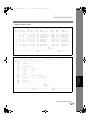
3. The Fax Cover Sheet is not counted in the number of pages column of the journals.