1
UF6300_FAX_UK_PJQMC1263ZB.book 62 ページ
2008年12月10日 水曜日 午後1時26分
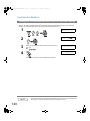
Sending Documents
Transmission Reservation
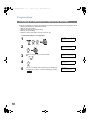
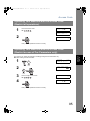
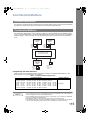
You can do the following jobs while sending a document from memory or receiving a document.
• Reserve the next transmission in the memory. (Up to 10 different files)
• Reserve a priority transmission.
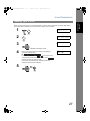
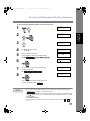
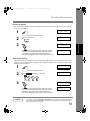
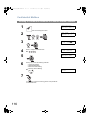
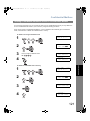
Memory Transmission Reservation (Multi-tasking)
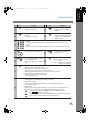
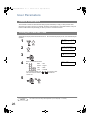
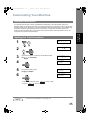
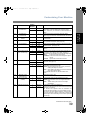
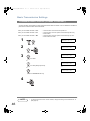
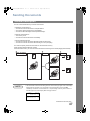
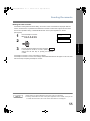
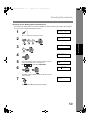
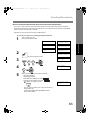
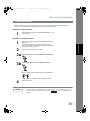
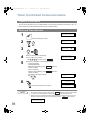
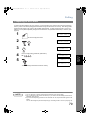
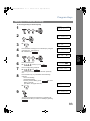
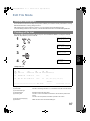
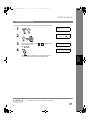
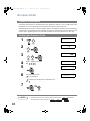
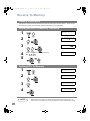
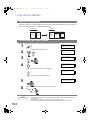
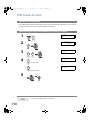
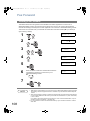
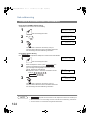
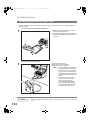
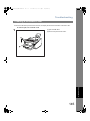
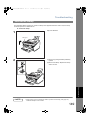
If your machine is on-line, busy transmitting from memory, receiving or printing received documents, you
can reserve a transmission by the following procedure.
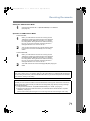
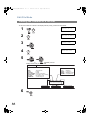
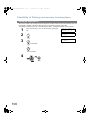
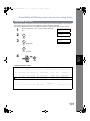
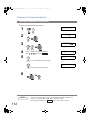
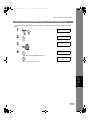
1
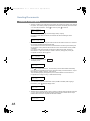
Your machine is on-line,
printing received documents.
ON LINE
* PC MODE *
ON LINE * MEM.XMT *
ID:(Identification)
ON LINE * PRT MODE *
ON LINE * RCV *
ID:(Identification)
* PRINTING *
PC DATA
* PRINTING *
MEMORY RCV’D DOC
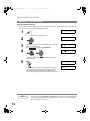
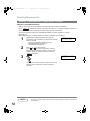
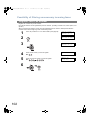
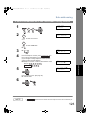
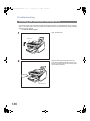
2
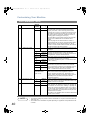
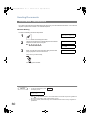
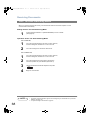
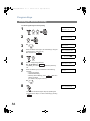
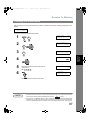
ENTER STATION(S)
THEN PRESS START 00%
Set document(s) face down.
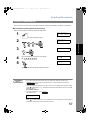
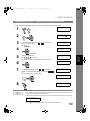
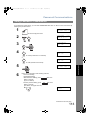
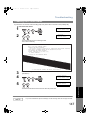
3
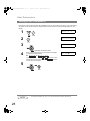
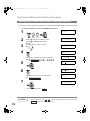
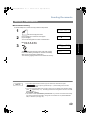
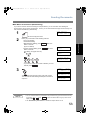
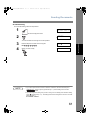
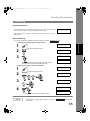
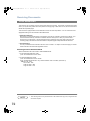
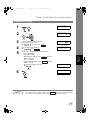
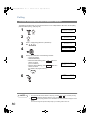
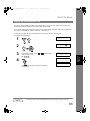
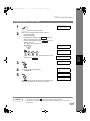
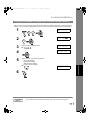
Dial by any combination of the following methods:
• One-Touch Dialling
• Abbreviated Dialling
• Manual Number Dialling, press
station is entered
(Up to 12 stations)
• Directory Search Dialling, press
station is entered
(For details, see pages 49 to 52.)
Ex:
Set
Set
after each
after each
<01>(Station name)
5551234
[010](Station name)
5553456
0
1
0
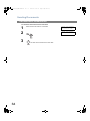
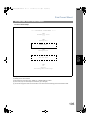
• If you want to confirm the number of stations you have
entered, press
Set
.
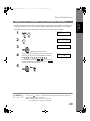
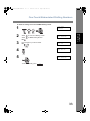
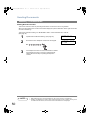
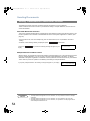
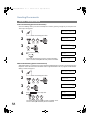
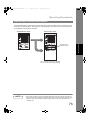
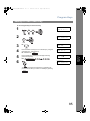
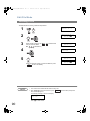
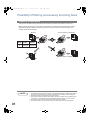
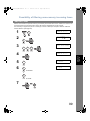
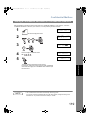
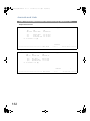
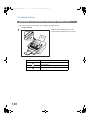
4
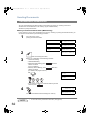
* STORE *
NO.005
PAGES=001 01%
* STORE * COMPLETED
TOTAL PAGES=005 25%
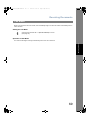
Your machine will store the document(s) into memory.
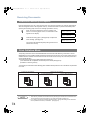
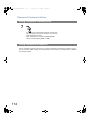
NOTE
62
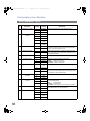
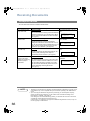
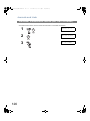
1. To cancel the memory transmission reservation. (See page 90)