1
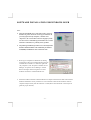
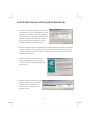
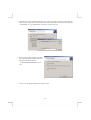
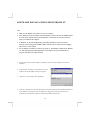
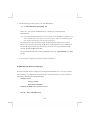
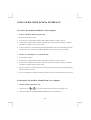
3. If this is the very first time you are connecting the
drive to computer, the ‘Add New Hardware
Wizard’ dialog box appears as shown.
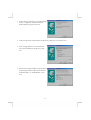
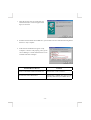
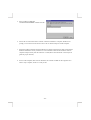
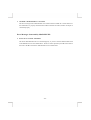
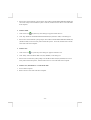
4. Click Next, then select ‘Search for the best driver for your device’ box, and click Next.
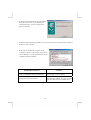
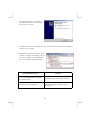
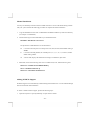
5. Select ‘Floppy disk drives’ box and insert the
device driver diskette into floppy drive. Click
Next.
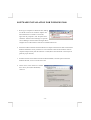
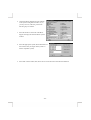
6. Wait for few seconds, Windows will find a driver
from the floppy diskette, make sure the file that
Windows found is ‘A:\ PCMCDF.INF’. Click
Next.
-9-