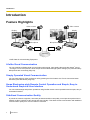
1
Adjusting the Volume and Tone
Muting the Microphone
During a video conference call, you can mute the microphone so that your voice cannot be heard by the other
party. You will be able to hear the other party’s voice, but they will not be able to hear you.
Note
•
You can set the microphone(s) to be mute at the start of a received video conference call (Page 78).
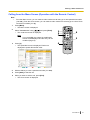
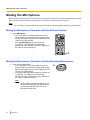
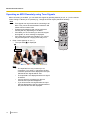
Muting the Microphone (Operation with the Remote Control)
1
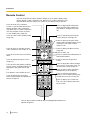
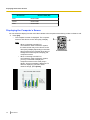
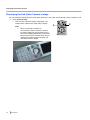
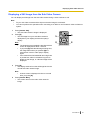
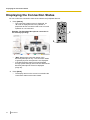
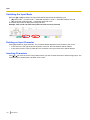
Press [MIC Mute].
An icon appears in the status display area of the
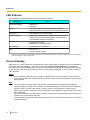
screen (Page 27), and the LED light on the Boundary
Microphone (Page 19) becomes red. Make sure the
colour of the LED changes.
• Pressing [MIC Mute] again will unmute the
microphone. The LED light on the Boundary
Microphone (Page 19) becomes green. Make sure
the colour of the LED changes.
•
1
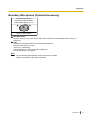
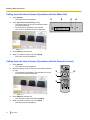
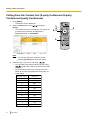
Muting the Microphone (Operation with the Boundary Microphone)
1
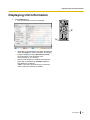
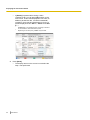
Press the MIC Mute button.
• An icon appears in the status display area of the
screen (Page 27), and the LED light on the Boundary
Microphone (Page 19) becomes red. Make sure the
colour of the LED changes.
• Pressing the MIC Mute button again will unmute the
microphone. The LED light on the Boundary
Microphone (Page 19) becomes green. Make sure
the colour of the LED changes.
Note
•
52
User Manual
When multiple Boundary Microphones are
connected, pressing the MIC Mute button of
one Boundary Microphone will mute all
Boundary Microphones.
1