1
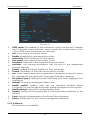
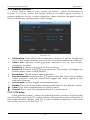
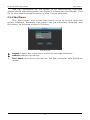
Network Video Recorder NVR Menu Picture 5-15 SMTP server: The address of the mail server, which can be an IP address and a domain name (domain name needs the confirmation of the correct DNS setup to be resolved correctly). Port: Port number of the mail server. Enable: Enabling the mail sending function. Anonymity: Port number of the mail server.. User name: User name of the sender’s mail. Password: Password of the corresponding user name. Receiver: The warning information can be sent to the designated receiver via mail. Sender: Setting the EMAIL address of the mail sender. Theme: The theme of the mail can be set by yourself. File: When motion detection cooperation is enabled, picture file would be uploaded at the same time if warning information appears. Encryption Type: Enabling SecureSocketLayer port when logging in the mail server. Interval: Interval for sending the alarm mail. Health enable: Healthy mail can be checked whether linked successfully or not through automatic testing message from the system. Health interval: Interval for sending healthy mail. Default: Setting all the parameters in the Email Setup interface to be default. Save: Saving the parameters in the Email Setup interface. Return: Going back to the former management interface. 5.3.3.5 Alarm in This function is unavailable. 22