1
MLManual.book Page 247 Wednesday, October 27, 2010 12:04 PM
Importing and Exporting Data 247
7
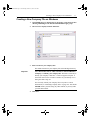
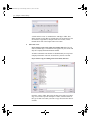
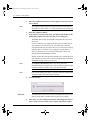
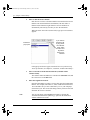
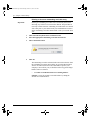
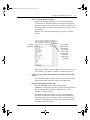
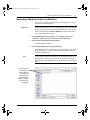
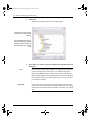
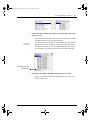
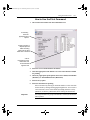
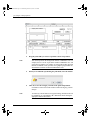
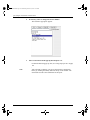
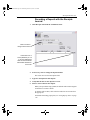
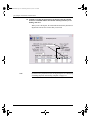
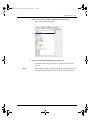
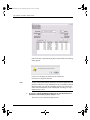
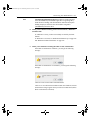
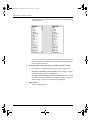
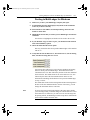
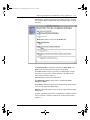
A file name based on the category you have selected is automatically
entered.
This can be changed if you want to rename the file.
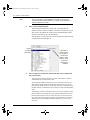
8
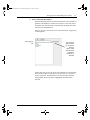
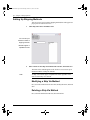
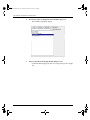
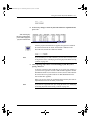
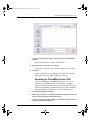
Determine where you want to save the file.
If necessary, use the folder pop-up menu to change folders or disks.
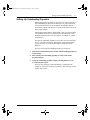
9
Click Save.
You have created a new tab-delimited text file that can be imported
into another program or another MultiLedger company.
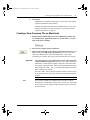
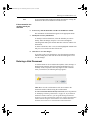
Exporting to CheckMark Forms 1099
You can export Vendor or Customer information as a .txt file to
import into the CheckMark Forms 1099 application. CheckMark
Forms 1099 prints and eFiles 1099 copies for forms MISC, DIV, INT,
S and R. For information regarding this program, contact CheckMark’s
sales department at 800-444-9922 or visit www.checkmark.com
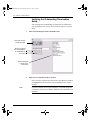
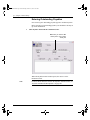
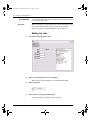
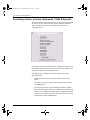
1
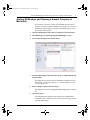
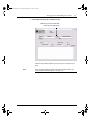
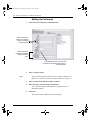
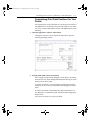
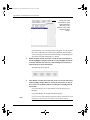
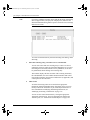
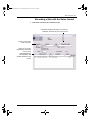
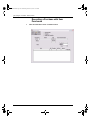
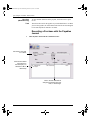
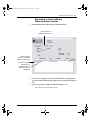
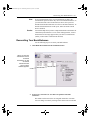
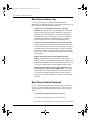
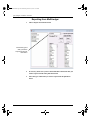
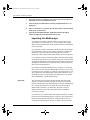
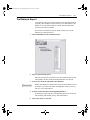
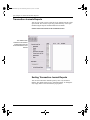
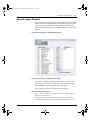
Chose Export from the File menu.
2
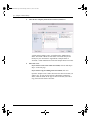
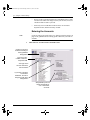
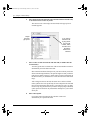
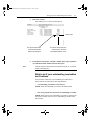
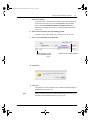
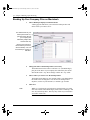
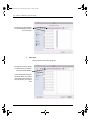
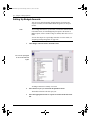
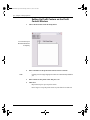
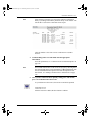
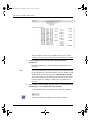
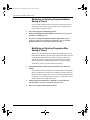
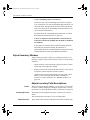
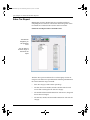
If necessary, make sure you have the month that contains the data you
wish to export selected in the pull-down menu.
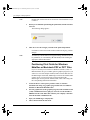
3
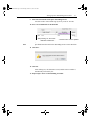
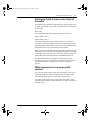
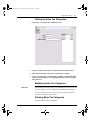
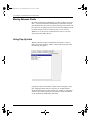
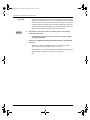
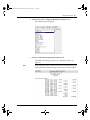
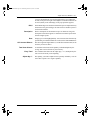
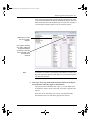
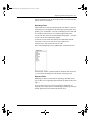
Select the type of data, either Vendors or Customers, that you want to
export from the pull-down menu.