1
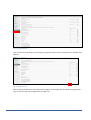
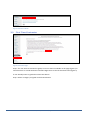
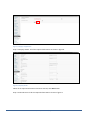
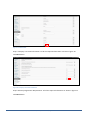
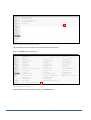
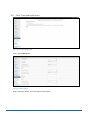
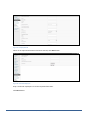
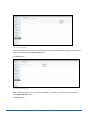
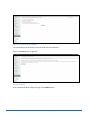
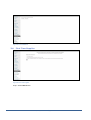
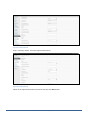
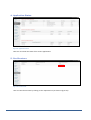
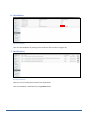
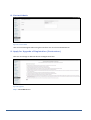
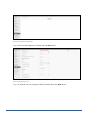
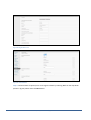
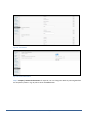
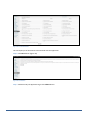
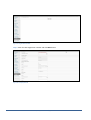
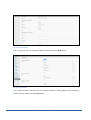
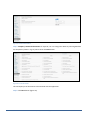
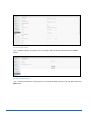
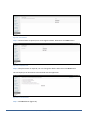
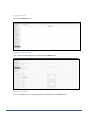
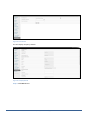
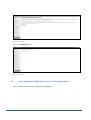
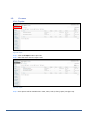
Figure 3: Grade Evaluator User can answer the questions by selecting an appropriate option from the drop down list available (see figure 3). Figure 4: Grade Evaluator After answering all questions click Submit button (figure 4). The application will show what grades that user can select at the time of registration (see figure 5). Proprietary & Confidential Page 5 of 43