1
Table of Contents
Table of Contents
1.0
GENERAL INFORMATION...........................................................................................................1
1.1. Overview.....................................................................................................................................1
2.0
SYSTEM SUMMARY...................................................................................................................2
2.1. System Configuration..................................................................................................................2
3.0
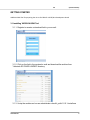
GETTING STARTED.....................................................................................................................4
3.1.Installing VKRZA1H-SDHI Tool......................................................................................................4
3.1.1. Register to receive a download link to your e-mail.....................................................................................4
3.1.2. Click on the link in the received e-mail and download the archive from “Vekatech SD CARD LOADER”
directory................................................................................................................................................................4
3.1.3. Unzip the archive and run as administrator vkrza1h_sdhi-1.0.0.1-install.exe............................................4
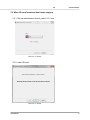
3.2. Micro SD card format and boot loader copying...........................................................................5
3.2.1. Run as administrator vkrza1h_sdhi-1.0.0.1.exe..........................................................................................5
3.2.2. Insert SD card...............................................................................................................................................5
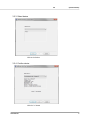
3.2.3. Select device................................................................................................................................................6
3.2.4. Confirm device.............................................................................................................................................6
3.2.5. Format drive................................................................................................................................................7
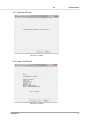
3.2.6. Drive format complete................................................................................................................................7
3.2.7. Eject the SD card..........................................................................................................................................8
3.2.8. Insert the SD card........................................................................................................................................8
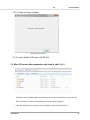
3.2.9. Format and Copy complete.........................................................................................................................9
3.2.10. Insert the Micro SD card in VK-RZ/A1H.....................................................................................................9
3.3. Micro SD content after preparation with vkrza1h_sdhi-1.0.0.1...................................................9
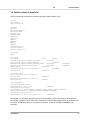
3.4. Default content of vkrza1h.ini...................................................................................................10
4.0
Detailed Description of vkrza1h.ini file....................................................................................11
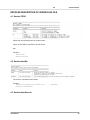
4.1. Section TODO............................................................................................................................11
4.2. Section UserBin.........................................................................................................................11
4.3. Section UserSrecord..................................................................................................................12
4.4. Section UserSFlashBin...............................................................................................................12
4.5. Section SDRAM..........................................................................................................................13
User Manual