1
92
TechnologSoft
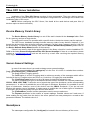
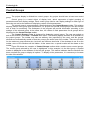
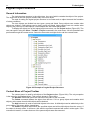
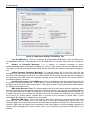
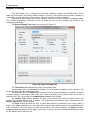
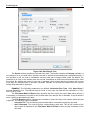
The File Format section contains the csv checkbox. CSV is a delimited text file format in which
the export data should be saved. This is a common file format that can be opened with any text editor or
by using MS Excell.
The Archive Type section contains two checkboxes to select the type of the archive from which
data will be exported.
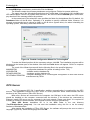
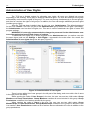
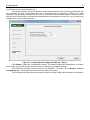
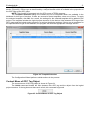
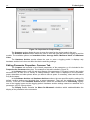
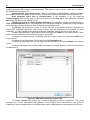
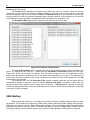
The List of Parameters To Export section represents the list of parameters which data will be
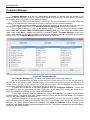
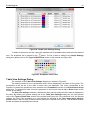
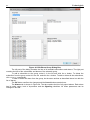
exported. To change the list, click the … button, which opens the Parameter List Selection dialog box
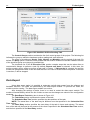
(Figure 98). There are two lists in the dialog. The left window contains the list of all parameters of the
project, the right window contains the list of the parameters selected for export. The parameter is moved
from one list to another by the > and < buttons or by double left click on the parameter. The OK buttons
saves the changes.
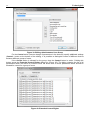
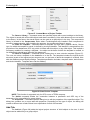
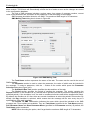
The dropdown list of the If Execution Fails section contains steps that can be taken after an
unsuccessful attempt to perform a task. By default, Skip period is selected. In this case, the time of the
next task will be postponed as in the case of its successful completion. If the task is one-time, it will be
stopped. If Repeat until done is selected, the data export module will try again to perform a task until it
is done.