1
AUTOMSIM
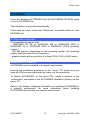
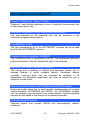
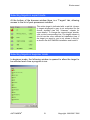
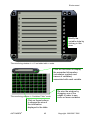
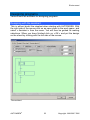
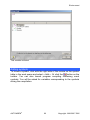
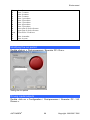
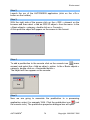
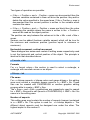
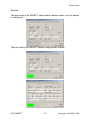
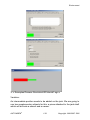
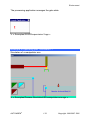
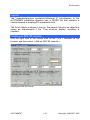
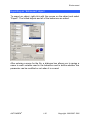
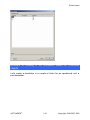
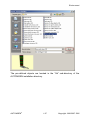
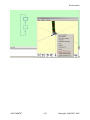
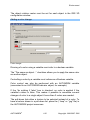
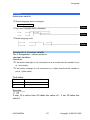
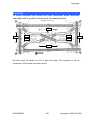
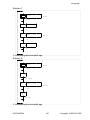
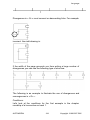
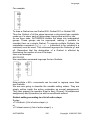
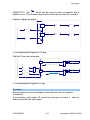
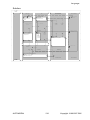
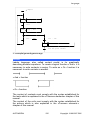
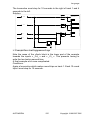
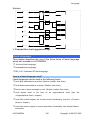
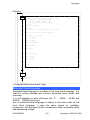
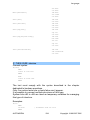
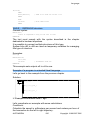
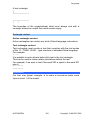
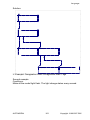
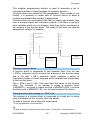
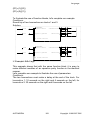
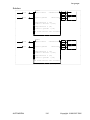
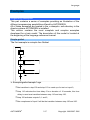
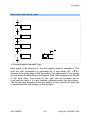
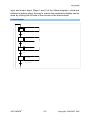
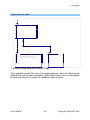
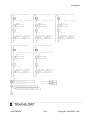
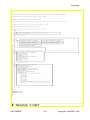
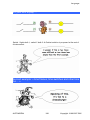
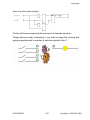
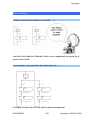
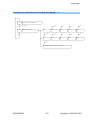
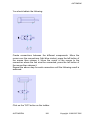
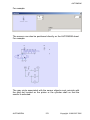
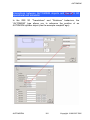
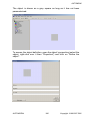
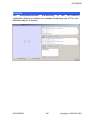
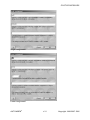
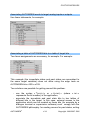
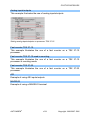
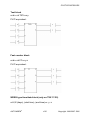
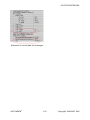
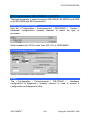
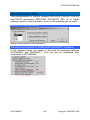
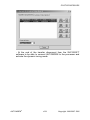
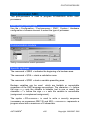
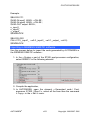
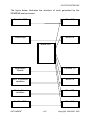
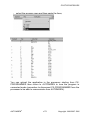
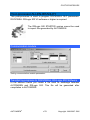
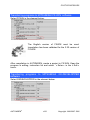
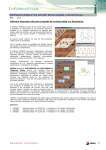
You should obtain the following:
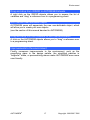
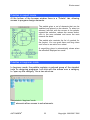
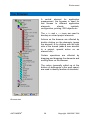
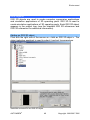
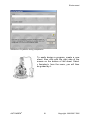
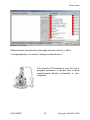
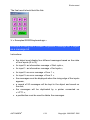
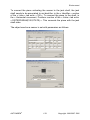
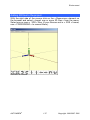
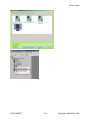
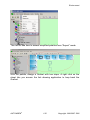
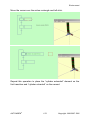
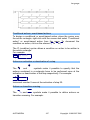
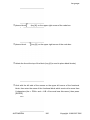
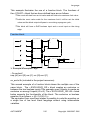
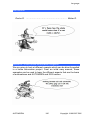
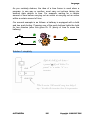
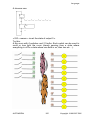
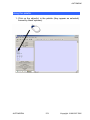
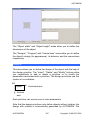
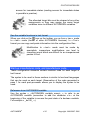
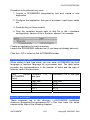
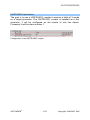
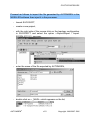
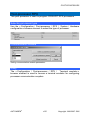
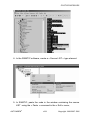
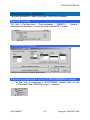
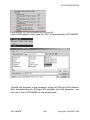
Create connections between the different components: Move the
cursor over the connections (light blue circles), press the left button of
the mouse then release it, move the cursor of the mouse to the
connection where the link must be connected, press the left button of
the mouse then release it.
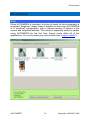
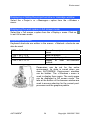
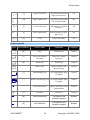
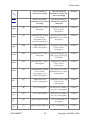
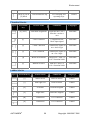
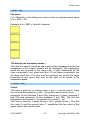
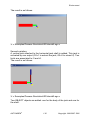
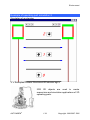
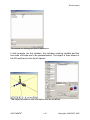
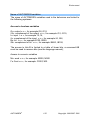
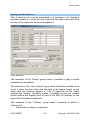
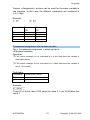
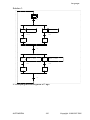
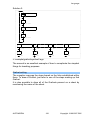
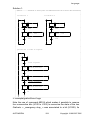
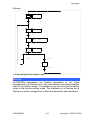
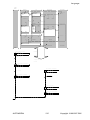
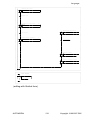
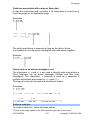
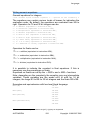
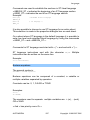
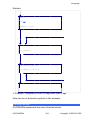
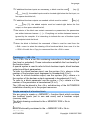
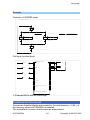
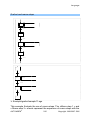
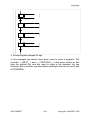
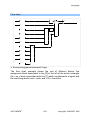
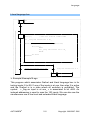
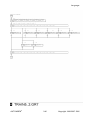
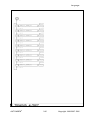
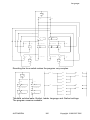
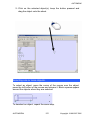
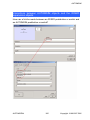
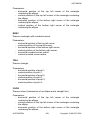
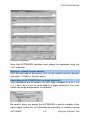
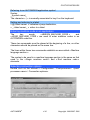
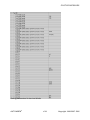
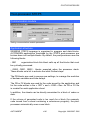
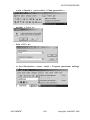
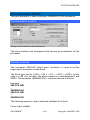
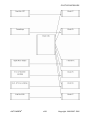
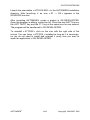
Repeat the above step for each connection until the following result is
achieved:
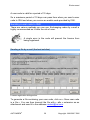
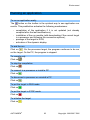
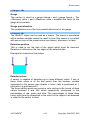
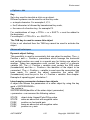
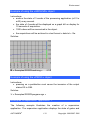
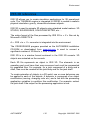
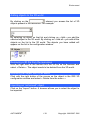
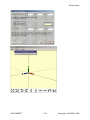
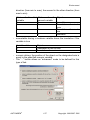
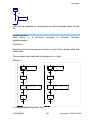
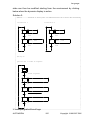
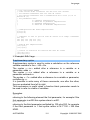
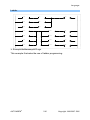
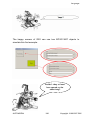
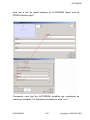
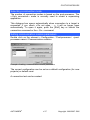
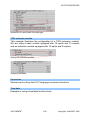
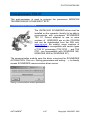
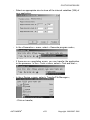
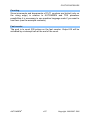
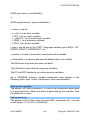
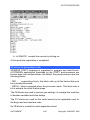
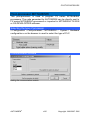
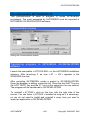
Click on the “GO” button on the toolbar.
AUTOMGEN8
368
©opyright 1988-2007 IRAI