1
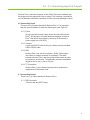
Section 7 Manual Power
7.0 Setup Menu:
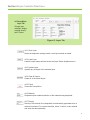
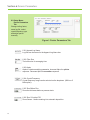
Manual Power Tab
Change deposition
power manually using
Manual Power tab.
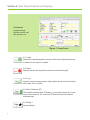
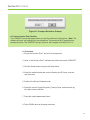
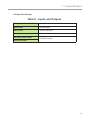
Figure J: Manual Power Tab
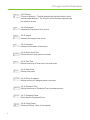
7.0.1 Manual Power 1
Enables manual power for Source 1.
7.0.2 Manual Power 2
Enables manual power for Source 2.
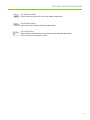
7.0.3 Source 1% Power
Sets the percent power for Source 1.
7.0.4 Source 2% Power
Sets the percent power for Source 2.
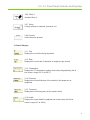
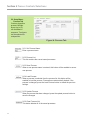
7.0.5 Update Power
Sets manual power. If left unselected, power will remain unchanged. As a
safety feature, if power is changed and the button is unselected, power will
return to 0%. Power also returns to 0% when exiting the setup window.
15