1
Section 9 Using the Software
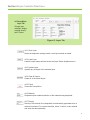
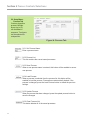
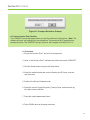
9.0 Adding a Layer
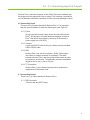
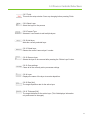
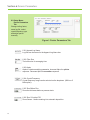
This guide will instruct on how to add a new layer to be used in the deposition process.
This is done from the “Layer” tab in the Setup window.
9.0.1
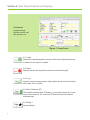
Enter the desired layer name in the “Layer Name” Field
9.0.2
Press the “Save Layer” button to save the new layer
9.0.3
Enter the desired information for the process.
9.0.4
Press “Update Layer” to save the changed settings.
9.0.5
Press “Finish” if there are no more changes to save.
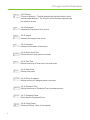
9.1 Adding a Process
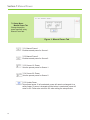
This guide will instruct on how to add a deposition process. This is done from the
“Process” tab in the Setup window.
9.1.1
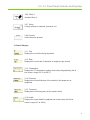
Enter the desired process name in the “Set Process Name” field.
9.1.2
Press the “Save Process” button to save the new process.
9.1.3
Select the layer to be added under “Select Layer”
9.1.4
Select the process type under “Process Type”
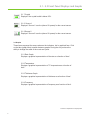
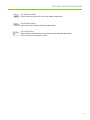
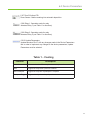
9.1.5. If using codeposition, only 1 more layer will be available to be
added.
17
9.1.6
If using sequential, up to 10 layers will be available to be added.
9.1.7
Press “Add Layer” Button.