1
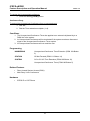
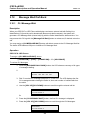
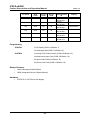
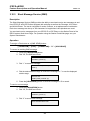
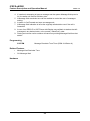
iPECS eMG80 Feature Description and Operation Manual 6.13 Issue 1.0 Feature Cancel Description The System Attendant can cancel features such as DND, Call Forwarding and Pre-defined or Custom Messages that are active at other stations. Operation To deactivate DND/Call Forward/Pre-selected Message for other stations 1. Press the [TRANS/PGM] button. 2. Dial “052”, Attendant Station Program code. 3. Dial the desired station range or, for one station, enter the station number and “*”. 4. Press the [HOLD/SAVE] button, confirmation tone is heard and Attendant station returns to idle status. Conditions Programming SYSTEM Attendant Assignment (PGM 164-Button 1) Related Features Call Forward DND (Do Not Disturb) Attendant Positions Pre-defined & Custom Text Display Messages Hardware iPECS IP or LDP Multi-button Phone, a 24-button phone is recommended 363