1
I N T E R A C T I V E
R E P O R T I N G
U S E R ’ S
G U I D E
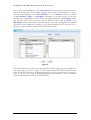
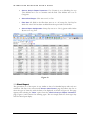
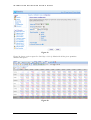
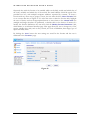
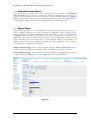
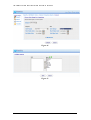
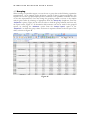
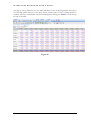
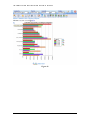
Figure 17
2.10 Pivot Report
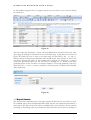
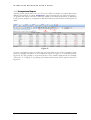
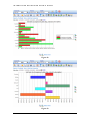
A Pivot Report allows the user to compare two sets of data against one another. This differs
from a comparison report where the same set of data is compared over different time periods.
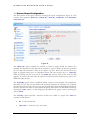
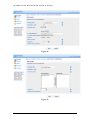
To generate a Pivot report the user must first select the ‘Pivot’ option in the ‘Choose
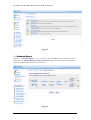
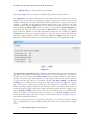
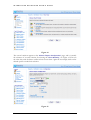
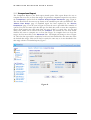
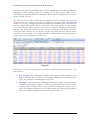
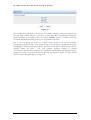
Analysis Report Parameters’ page, Figure 6. In the second page of the wizard for generating
Pivot Reports, Figure 18, the user must decide on the layout for the report, which value shall
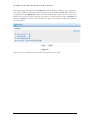
be displayed along the horizontal and which along the vertical direction. The ‘Then drilldown
into’ option determines the second level of report after a report value is clicked. For example,
if the ‘Then drilldown into’ value is set to Categories, when clicking Buchanan in the pivot
report, all Categories for Sales Rep Buchanan will be displayed.
19