1
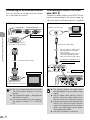
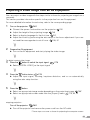
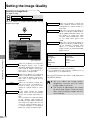
Setting the Image Quality
Making Advanced Color Adjustment (2)
Making Advanced Color Adjustment (3)
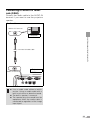
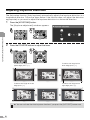
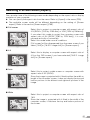
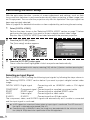
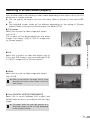
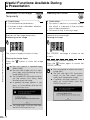
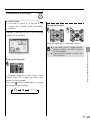
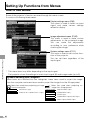
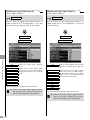
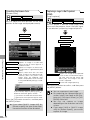
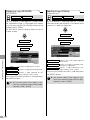
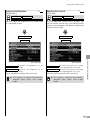
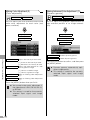
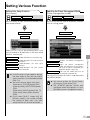
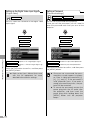
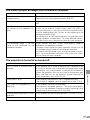
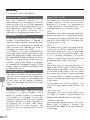
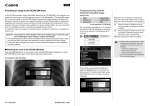
[Mem. color correct]
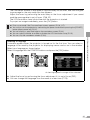
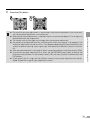
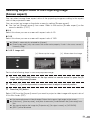
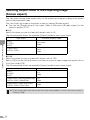
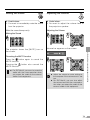
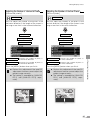
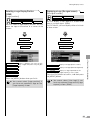
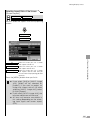
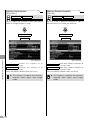
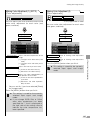
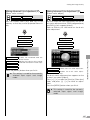
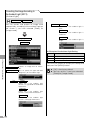
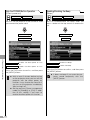
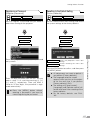
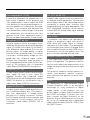
[6-axis color adjust]
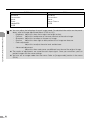
DIGITAL PC
DIGITAL VIDEO
ANALOG PC
COMP./SCART VIDEO/S-VIDEO
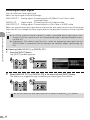
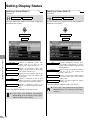
You can correct colors (e.g. blue sky) in our
memory so that they can be projected more vividly.
DIGITAL PC
ANALOG PC
DIGITAL VIDEO
COMP./SCART
T
Image adjustment
T
Image adjustment
T
Advanced adjustment
T
Advanced adjustment
T
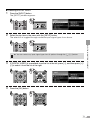
Mem. color correct
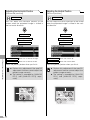
Disables the memorized color correction function.
L
Specifies the intensity of the memorized color correction in three steps.
T
6-axis color adjust
M
H
z This setting is saved for the currently
selected input signal and image
mode.
Adjust
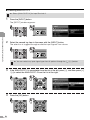
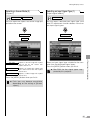
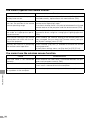
Enables the 6-axis color adjustment.
Off
Disables the 6-axis color adjustment.
<
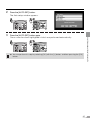
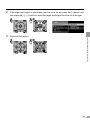
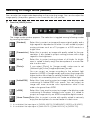
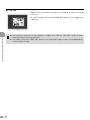
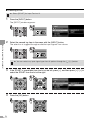
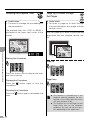
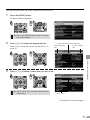
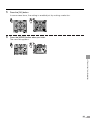
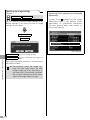
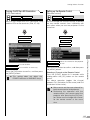
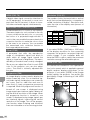
The 6-axis color adjustment box appears on the
screen if you select [Adjust].
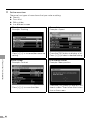
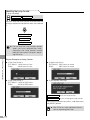
Press [ ] / [ ] to select the [Hue] or [Saturation]
slider, and press [<] / [>] to make an adjustment.
Press the [MENU] button when you finish.
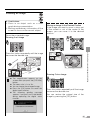
<
Press the [MENU] button when you finish.
z This setting is saved for the currently
selected input signal and image
mode.
107
SETTING UP FUNCTIONS FROM MENUS
Off
VIDEO/S-VIDEO
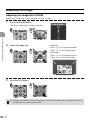
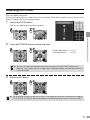
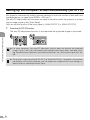
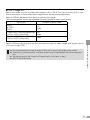
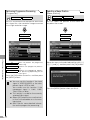
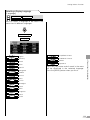
You can make fine color adjustment with the 6axis color adjustment box (RGB (red/green/blue)
and CMY (cyan/ magenta/yellow)).
Refer to Glossary for information on the 6-axis
color adjustment.