1
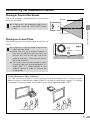
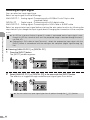
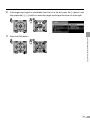
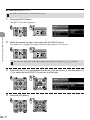
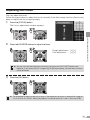
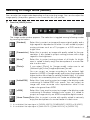
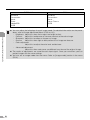
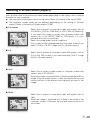
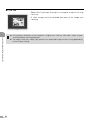
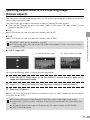
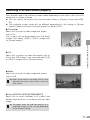
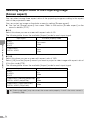
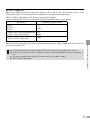
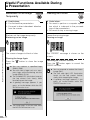
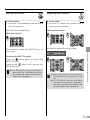
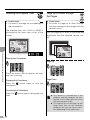
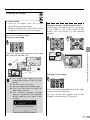
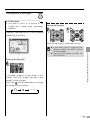
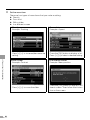
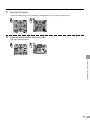
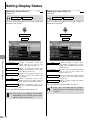
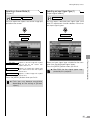
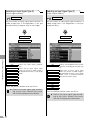
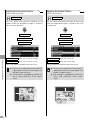
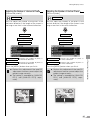
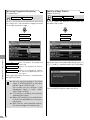
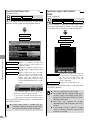
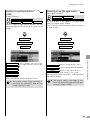
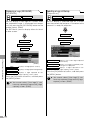
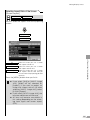
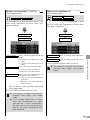
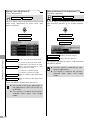
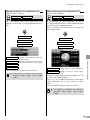
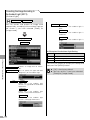
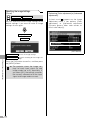
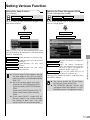
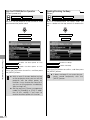
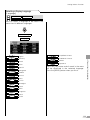
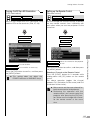
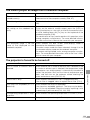
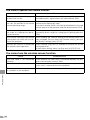
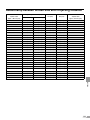
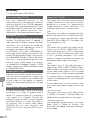
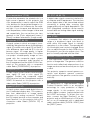
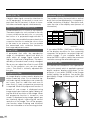
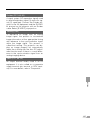
16:9 D. image shift Select this when you use a screen with aspect ratio of 16:9. You can vertically shift or finetune the position of the undistorted image without the keystone adjustment. Refer to P59 for detailed information on shifting the image. The following table shows the available [Aspect] mode for each input signal. Input signal Available [Aspect] mode VIDEO S-VIDEO SCART 4:3 Wide COMPONENT (480i/575i/480p/575p) DIGITAL VIDEO (480p/575p) 4:3 Wide COMPONENT (720p/1035i/1080i) DIGITAL VIDEO (720p/1080i) Wide z Keystone adjustment will be disabled. Project the image at right angle to the screen. z [Auto focus], [Auto keystone], and [Auto screen color] are disabled in the [Auto setup] function. z You cannot register the image for [Projector on] or [No signal screen]. z [SPOT] will be disabled. 75 PROJECTING AN IMAGE FROM AV EQUIPMENT Select [4:3] from the [Aspect] menu if you want to project a video image with aspect ratio of 4:3 in this mode (P73).