1
Chapter 14
RF
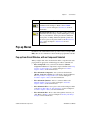
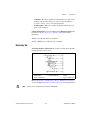
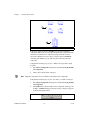
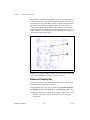
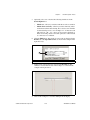
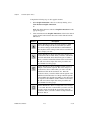
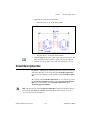
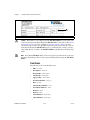
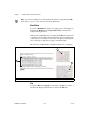
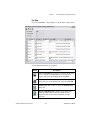
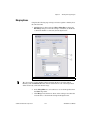
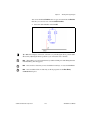
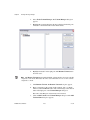
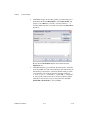
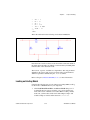
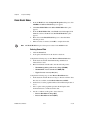
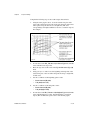
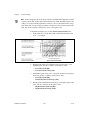
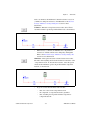
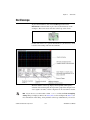
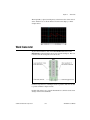
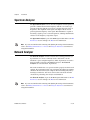
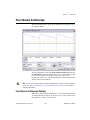
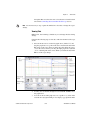
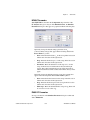
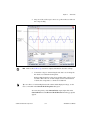
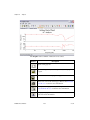
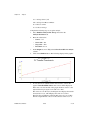
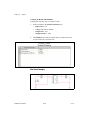
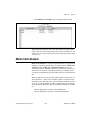
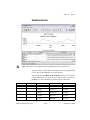
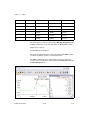
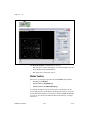
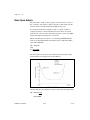
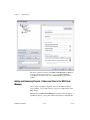
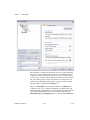
The Network Analyzer is divided into two regions:
•
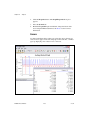
The left region contains a chart display area and a text display area that
shows marker and circuit information.
•
The right region contains the controls.
Marker Controls
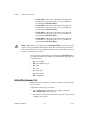
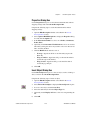
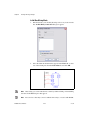
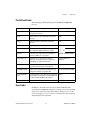
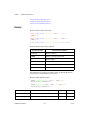
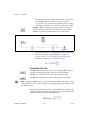
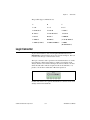
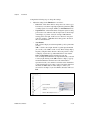
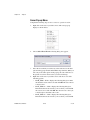
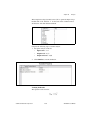
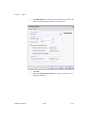
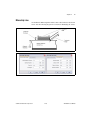
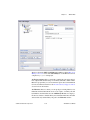
Select how you want data represented from the Marker drop-down list:
•
Real/Imaginary (Re/Im)
•
Magnitude/Phase (Mag/Ph(Deg))
•
dB Magnitude/Phase (dB Mag/Ph (Deg)).
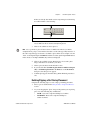
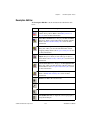
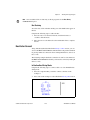
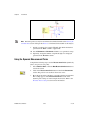
Use the left and right arrows below the graph to step through each data
point acquired for the circuit. Initially, the frequency points are selected in
decade. The default frequency sweep range is between 1 MHz and 10 GHz.
You can also use the PAGE UP and PAGE DOWN keyboard keys to navigate
the data set.
NI Multisim User Manual
14-18
ni.com