1
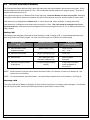
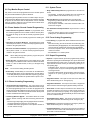
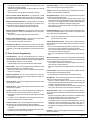
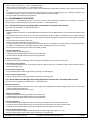
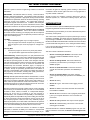
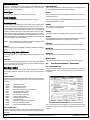
9.0 The Master Keypad
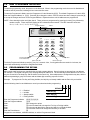
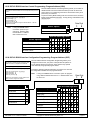
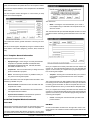
Your system may include a Master keypad.
A Master keypad is a DS7447 keypad programmed to give a user access to all the partitions he has access to, not just the partition the
Master keypad is in. This is different from a Standard keypad, in that Standard keypads only give access to the single partition they are in.
Commands entered at the Master keypad will affect all the partitions the user has access to. If this is not desirable, the Master keypad can
be used to control partitions individually; this is called Single Partition Mode. Single Partition Mode allows a user to control the partitions he
has access to on an individual (one by one) basis (see section 11.4 for more information on Single Partition Mode).
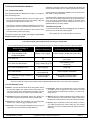
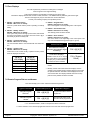
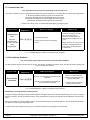
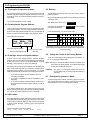
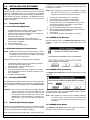
9.1 Master Keypad Displays
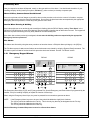
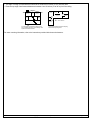
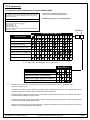
Master keypad displays will differ slightly from Standard keypads.
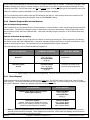
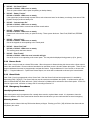
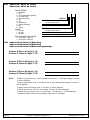
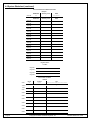
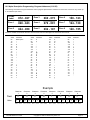
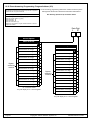
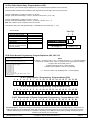
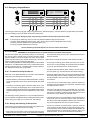
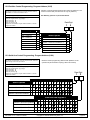
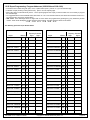
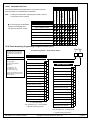
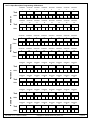
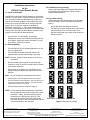
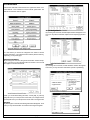
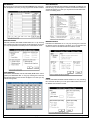
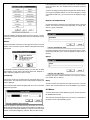
The Master keypad display will scroll the Status of each partition, followed by the partition number.
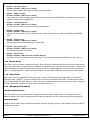
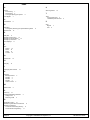
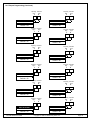
For example, if all partitions are armed, the Master keypad will scroll through the following displays:
Armed
area 1
Armed
area 2
Armed
area 3
Armed
area 4
Armed
area 5
Armed
area 6
Armed
area 7
Armed
area 8
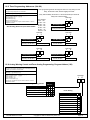
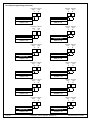
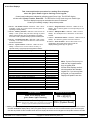
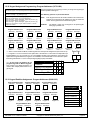
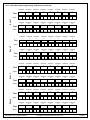
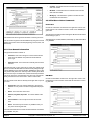
If only partitions 1, 2, 3, 4, 6, and 8 are armed, the Master keypad will scroll through the following displays:
Armed
area 1
Armed
area 2
Armed
area 3
Armed
area 4
Ready to Arm
area 5
Armed
area 6
Ready to Arm
area 7
Armed
area 8
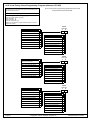
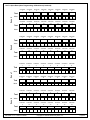
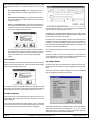
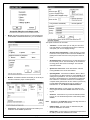
Displays for partitions that are Not Ready will display in the same manner.
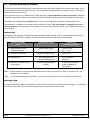
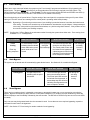
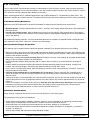
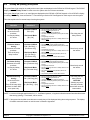
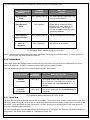
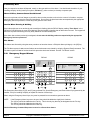
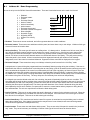
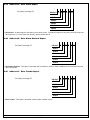
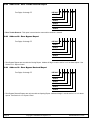
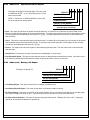
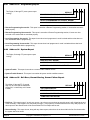
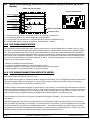
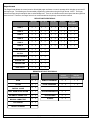
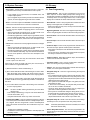
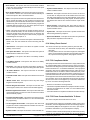
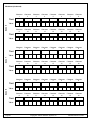
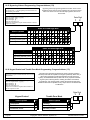
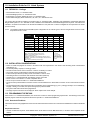
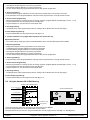
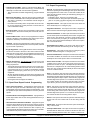
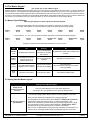
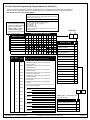
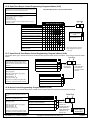
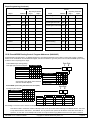
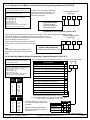
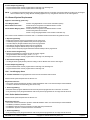
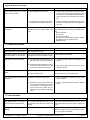
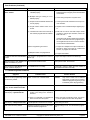
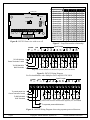
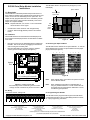
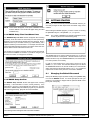
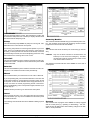
Light
Off
Flashing
On
Armed
(red)
All partitions are disarmed.
One or more partitions
are armed, or an alarm
has occurred.
All partitions are armed, and no alarms have
occurred.
Status
(green)
Not ready to arm (if the
Armed Light is on, all
partitions are armed).
One or more zones are
bypassed.
All partitions are ready to arm.
Power
(green)
The control panel has lost
all power; no AC or battery.
Control panel problems
exist. See Error Displays.
Normal Operation.
The control panel is running on AC power
with no problems.
Fire
(red)
There are no fire alarms.
A fire zone is in alarm.
A fire trouble condition exists.
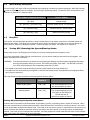
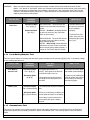
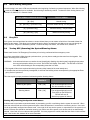
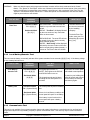
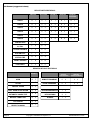
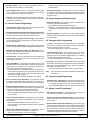
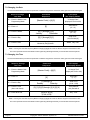
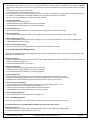
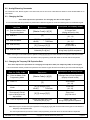
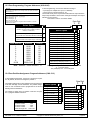
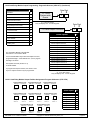
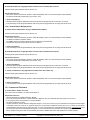
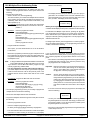
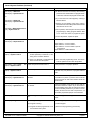
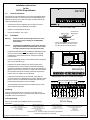
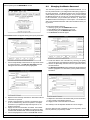
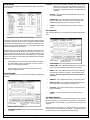
9.2 Arming from the Master Keypad
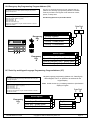
Arming from the Master Keypad
Arming all the
Partitions you have
access to.
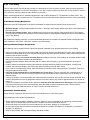
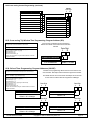
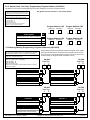
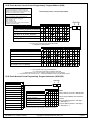
Enter your PIN followed by one of the arming sequences.
This will arm all of your partitions, even if some are already armed.
You must enter Single Partition Mode to arm the necessary partitions one at a time.
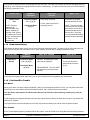
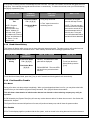
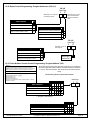
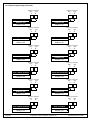
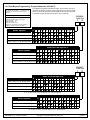
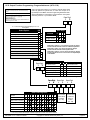
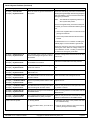
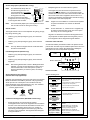
Arming only some of
your Partitions
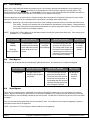
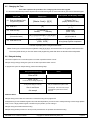
1.
2.
3.
4.
5.
6.
7.
DS7400Xi Ver. 3+ Reference Guide
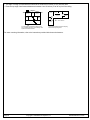
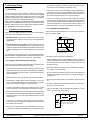
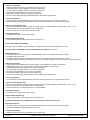
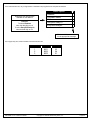
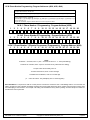
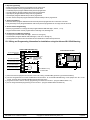
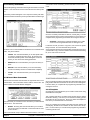
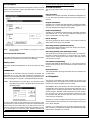
Enter your PIN, followed by the [#] key twice: [1] [2] [3] [4] [#] [#].
The first partition you have access to will be displayed: “Ready to Arm. Cafeteria.”
Complete the arming command sequence you wish for this partition: [On].
Move to the next partition you have access to by pressing the [#] key twice: [#] [#].
The next partition you have access to will be displayed: “Ready to Arm. Office.”
Complete the arming command sequence you wish for this partition.
After you have completed all the arming command sequences for the partitions you
have access to, exit Single Partition Mode by pressing the [*] key for 2 seconds.
Copyright © 1995-96 Detection Systems, Inc.
Page 30