1
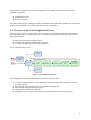
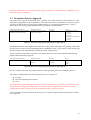
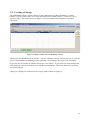
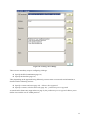
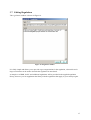
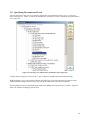
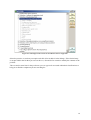
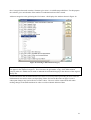
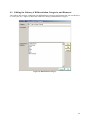
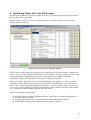
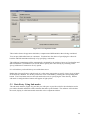
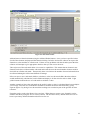
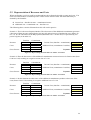
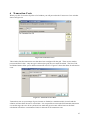
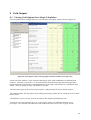
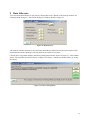
requires the user to prepare more than one calculation. For example, in the afforestation measures payments are made for: Establishment Costs Maintenance Costs Income Foregone The software has been pre-configured with this information so that when these measures are selected, the software will prompt the user to define all of the necessary calculations. 1.4 Overview of the Grid Configuration Process There are several steps to creating a grid. The user begins by specifying the measure and the data entry approach (balance sheet or production process). Next, they are presented with the main grid window from which they can: Specify the general grid settings (page 5) Configure the payment calculation(s) for the grid View the summary and detailed outputs (page 27) Figure 1 illustrates this process. Specify general settings NEW OPEN Specify measure and data entry approach for each calculation/payment... Main window Create linkages Specify differentiation Specify transaction costs Specify RDR limits Populate grid with cost & revenue values View Outputs Figure 1: grid configuration process The configuration of a payment calculation is broken down into five steps: Creation of linkages which are the relationships between baseline, RD commitment, costs & revenues (page 9) Specification of how the payment is to be differentiated (page 20) Specification of transaction costs (page 27) Specification of RDR limits (page 28) Population of the cost and revenue figures as specified in the previous steps (page 23) 4