1
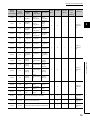
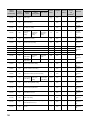
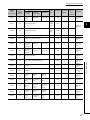
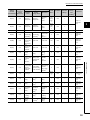
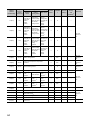
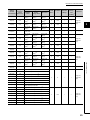
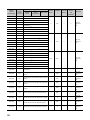
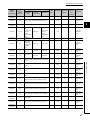
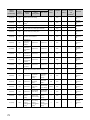
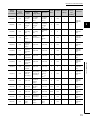
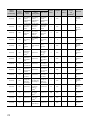
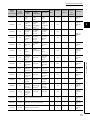
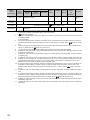
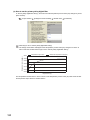
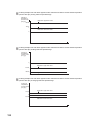
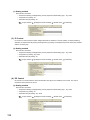
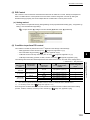
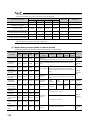
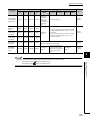
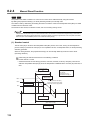
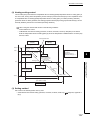
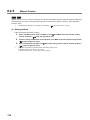
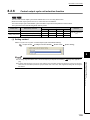
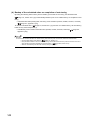
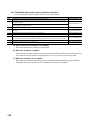
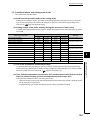
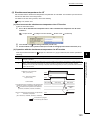
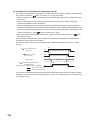
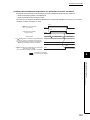
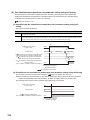
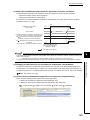
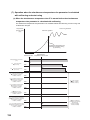
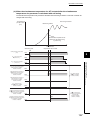
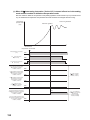
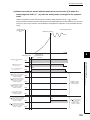
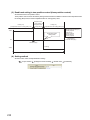
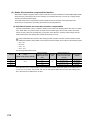
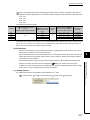
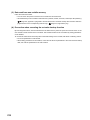
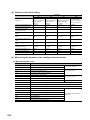
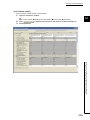
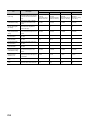
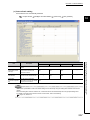
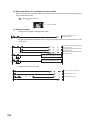
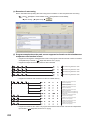
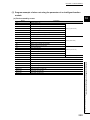
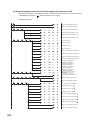
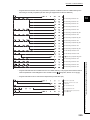
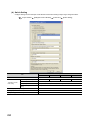
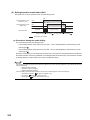
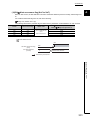
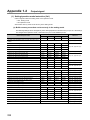
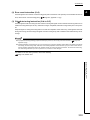
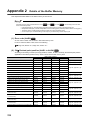
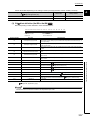
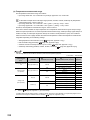
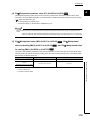
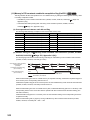
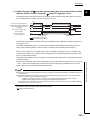
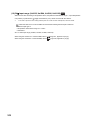
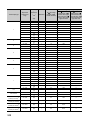
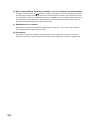
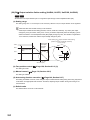
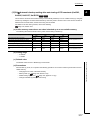
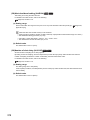
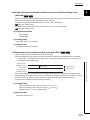
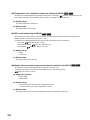
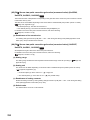
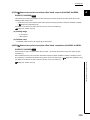
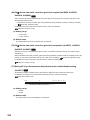
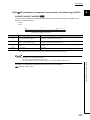
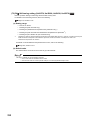
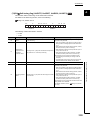
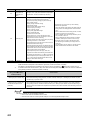
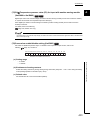
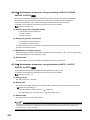
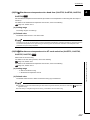
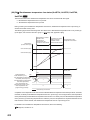
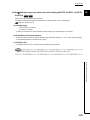
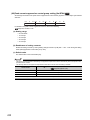
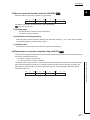
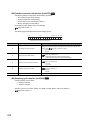
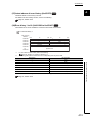
(e) When "Auto-setting at Input Range Change" is set to "0: Disable" on Switch Setting Set values in the buffer memory ( Page 351, Appendix 2 (12) (d)) can be out of the setting range. (When the setting range changes according to the change of the input range, the set value before the change can turn out of the range.) In this case, a write data error (error code: 4H) occurs in the buffer memory area where the value turns out of the setting range. Change the input range after setting each buffer memory area with values within the setting range after the input range change. (f) Enablement of set contents Enable the set contents by turning Setting change instruction (YnB) OFF ON OFF during the setting mode (Setting/operation mode status (Xn1): OFF). (g) Precautions Soon after the input range is changed, input temperature may be unstable. Do not start the control until Temperature conversion completion flag (Un\G786) becomes First temperature conversion completed (1H). 352