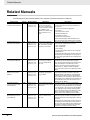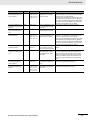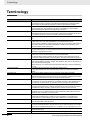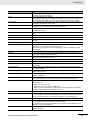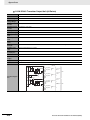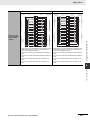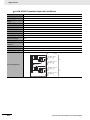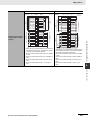
1
4 Installation and Wiring
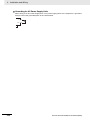
Additional Information
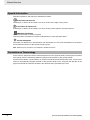
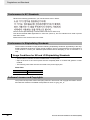
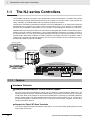
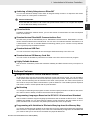
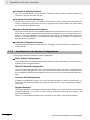
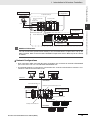
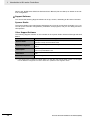
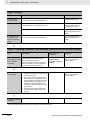
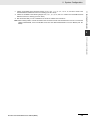
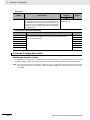
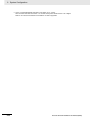
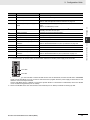
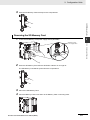
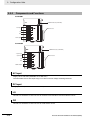
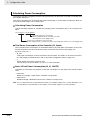
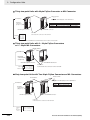
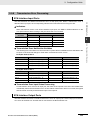
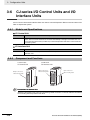
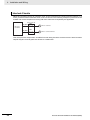
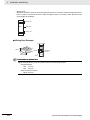
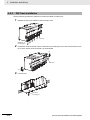
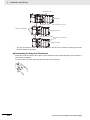
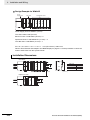
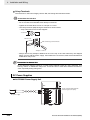
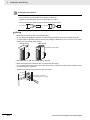
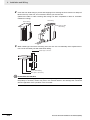
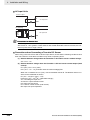
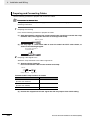
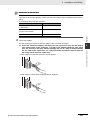
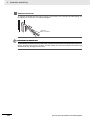
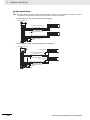
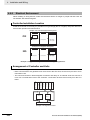
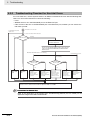
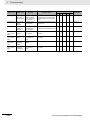
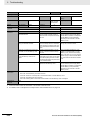
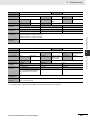
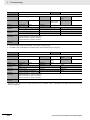
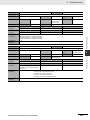
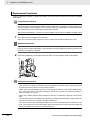
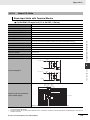
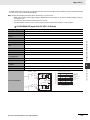
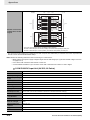
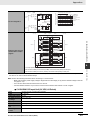
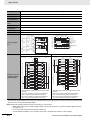
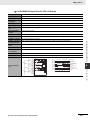
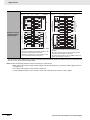
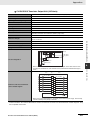
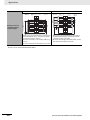
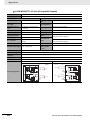
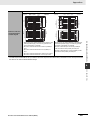
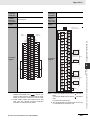
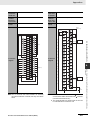
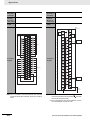
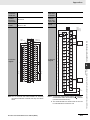
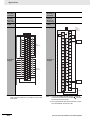
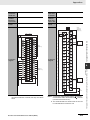
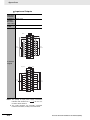
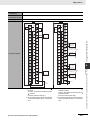
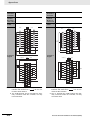
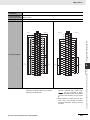
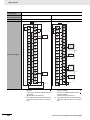
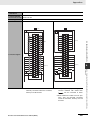
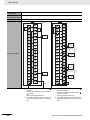
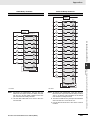
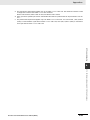
To remove the signal lines from the connector, press down on the orange tab while pulling out
the signal line, as shown in the following diagram.
2
Small, flatblade screwdriver
1
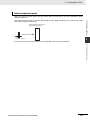
Precautions for Correct Use
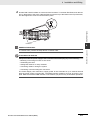
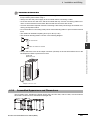
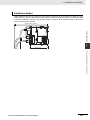
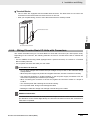
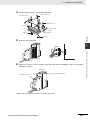
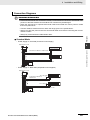
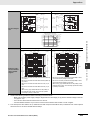
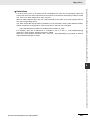
To remove the connector from the Unit, fully unscrew the set screws from both sides of the connector, and then remove the connector. Forcibly pulling the connector while the set screws are
still attached may damage the connector.
4-46
NJ-series CPU Unit Hardware User’s Manual (W500)