1
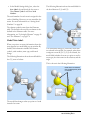
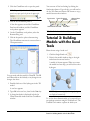
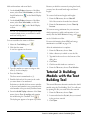
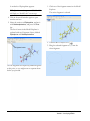
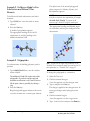
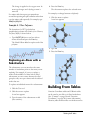
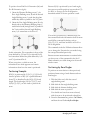
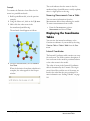
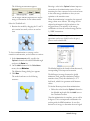
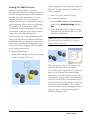
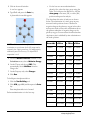
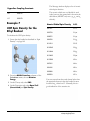
For example, to change benzene to pyridine:
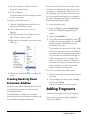
1. Click the atom to replace and type NH2.
To change more than one atom:
1. Use Shift+click to select the atoms to change.
2. Type the name of the atom type (case
sensitive).
3. Press the Enter key.
For many atom types that change bond order, you
must select all atoms attached to the bond so that
the correct bond forms.
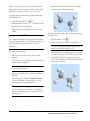
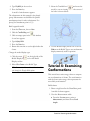
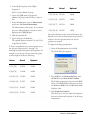
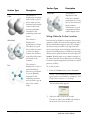
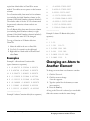
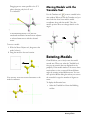
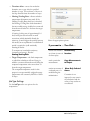
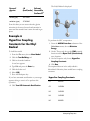
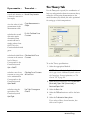
For example, to change ethane to ethene:
2. Press the Enter key.
1. Select both carbons.
2. Type C Alkene.
3. Press the Enter key.
Changing Bonds
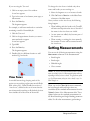
To change the bond order of a bond you can use
the bond tools, commands, or the Text tool.
You can change the bond order in the following
ways:
• One bond at a time.
• Several bonds at once.
• By changing the atoms types on the bond.
Changing an Atom to
Another Atom Type
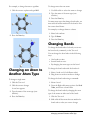
To change a single atom:
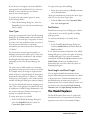
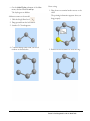
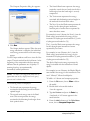
To change the bond order with the bond tool:
1. Select a bond tool (of a different order).
2. Drag from one atom to another to change.
To change the bond order using a command:
1. Click the Text tool.
1. Select a bond.
2. Click the atom to change.
2. From the Right-click menu, point to Set Bond
Order, and choose a bond order.
A text box appears.
3. Type the name of the atom type (case
sensitive).
4. Press the Enter key.
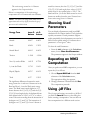
To change the bond order by changing the atom
type of the atoms on either end of the bond:
1. Click the Text tool.
2. Shift+click all the atoms that are attached to
bonds whose order you want to change.
ChemOffice 2005/Chem3D
Building and Editing Models
Changing an Atom to Another Atom Type
•
83