1
M4100 Series ProSAFE Managed Switches
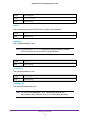
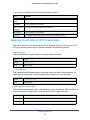
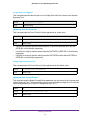
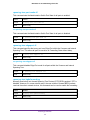
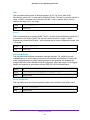
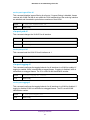
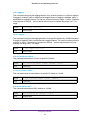
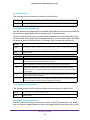
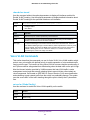
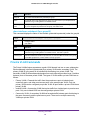
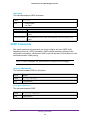
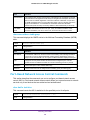
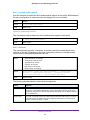
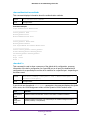
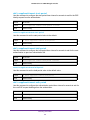
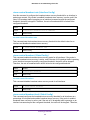
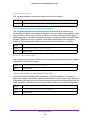
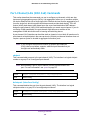
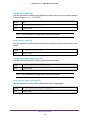
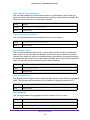
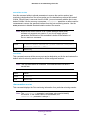
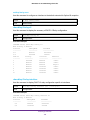
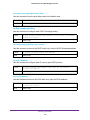
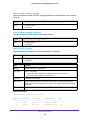
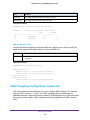
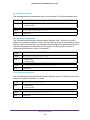
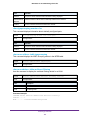
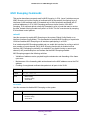
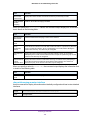
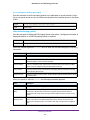
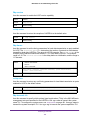
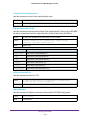
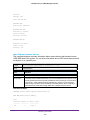
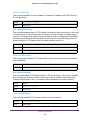
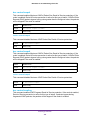
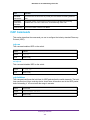
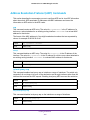
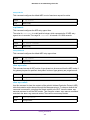
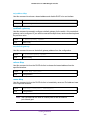
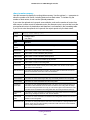
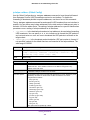
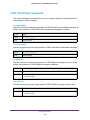
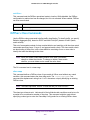
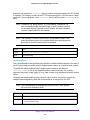
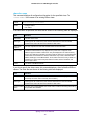
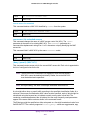
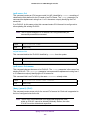
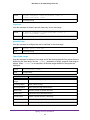
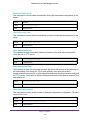
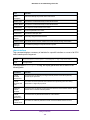
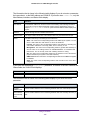
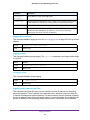
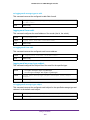
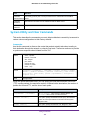
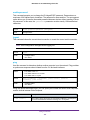
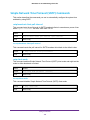
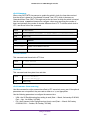
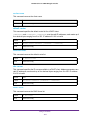
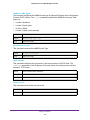
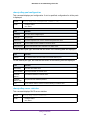
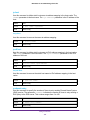
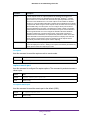
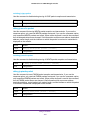
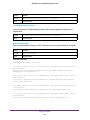
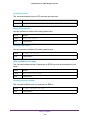
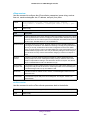
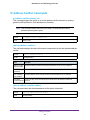
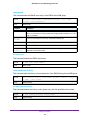
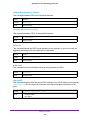
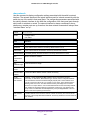
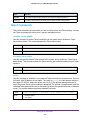
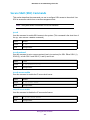
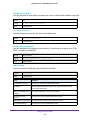
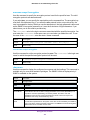
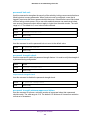
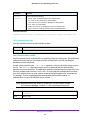
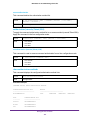
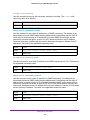
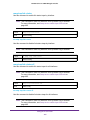
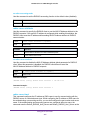
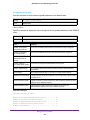
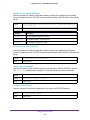
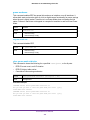
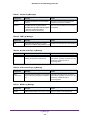
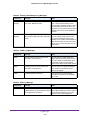
ip icmp echo-reply
Use this command to enable the generation of ICMP Echo Reply messages by the router. By
default, the generation of ICMP Echo Reply messages is enabled.
Default
enabled
Format
ip icmp echo-reply
Mode
Global Config
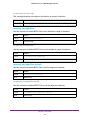
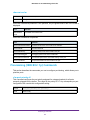
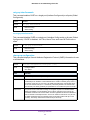
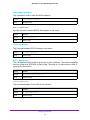
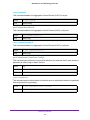
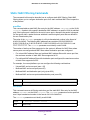
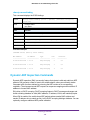
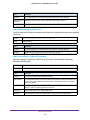
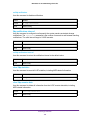
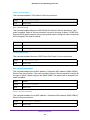
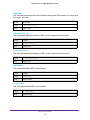
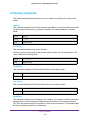
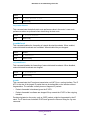
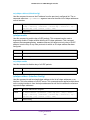
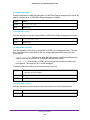
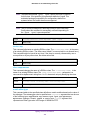
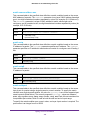
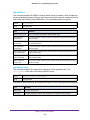
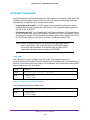
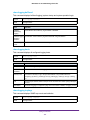
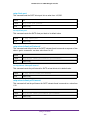
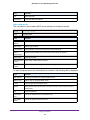
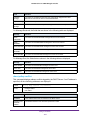
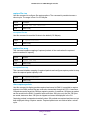
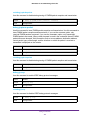
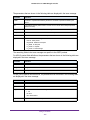
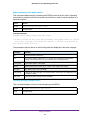
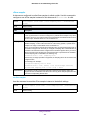
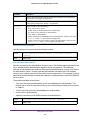
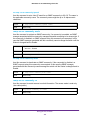
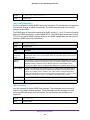
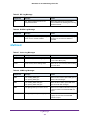
no ip icmp echo-reply
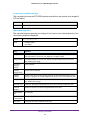
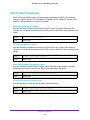
Use this command to prevent the generation of ICMP Echo Reply messages by the router.
Format
no ip icmp echo-reply
Mode
Global Config
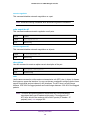
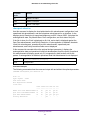
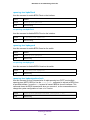
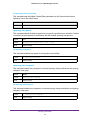
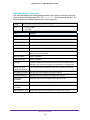
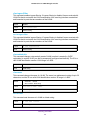
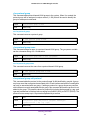
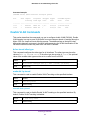
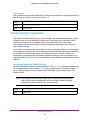
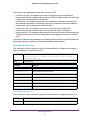
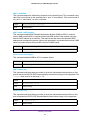
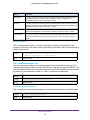
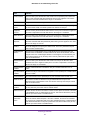
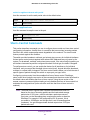
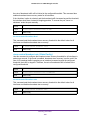
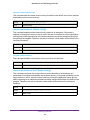
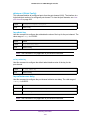
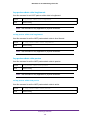
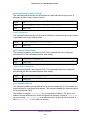
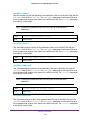
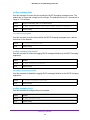
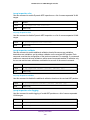
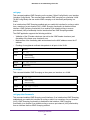
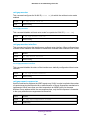
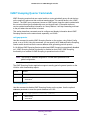
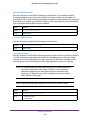
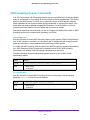
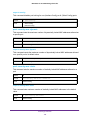
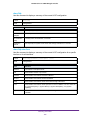
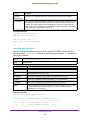
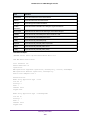
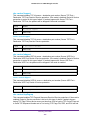
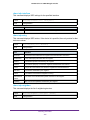
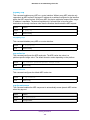
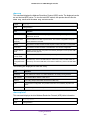
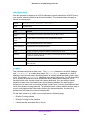
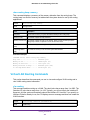
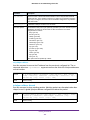
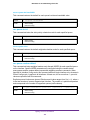
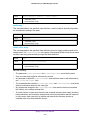
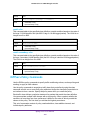
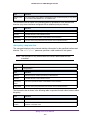
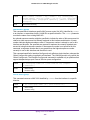
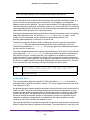
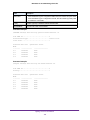
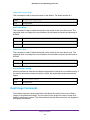
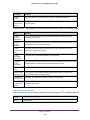
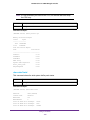
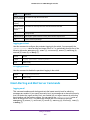
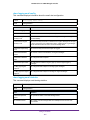
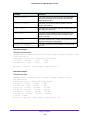
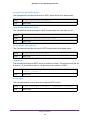
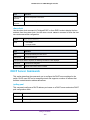
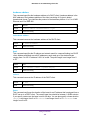
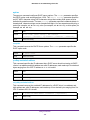
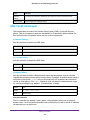
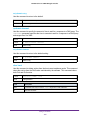
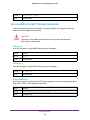
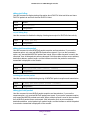
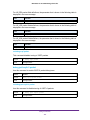
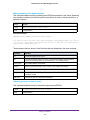
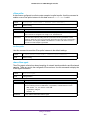
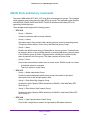
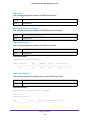
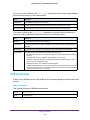
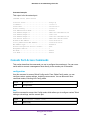
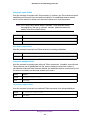
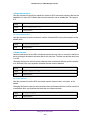
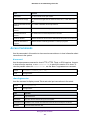
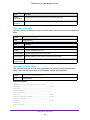
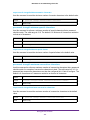
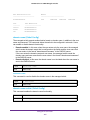
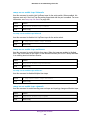
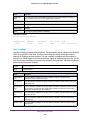
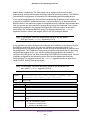
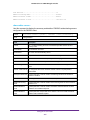
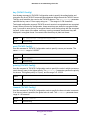
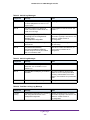
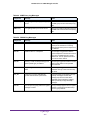
ip icmp error-interval
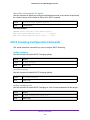
Use this command to limit the rate at which IPv4 ICMP error messages are sent. The rate
limit is configured as a token bucket, with two configurable parameters, burst-size and
burst-interval.
•
<burst-interval> specifies how often the token bucket is initialized with burst-size
tokens. burst-interval is from 0 to 2147483647 milliseconds (msec).
•
<burst-size> is the number of ICMP error messages that can be sent during one
burst-interval. The range is from 1 to 200 messages.
To disable ICMP rate limiting, set the burst interval to zero (0).
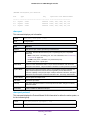
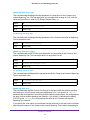
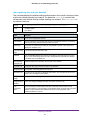
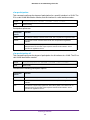
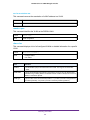
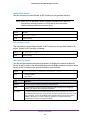
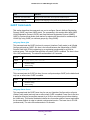
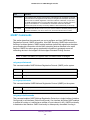
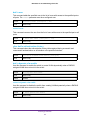
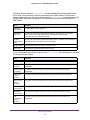
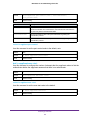
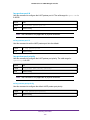
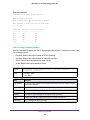
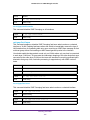
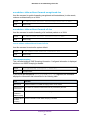
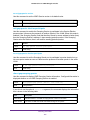
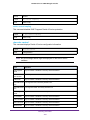
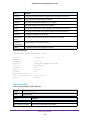
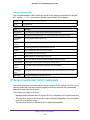
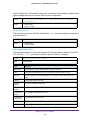
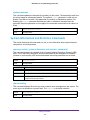
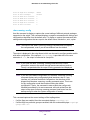
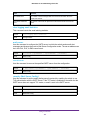
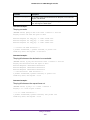
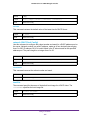
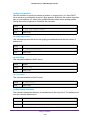
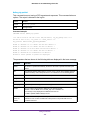
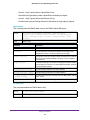
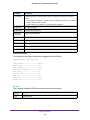
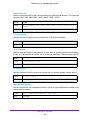
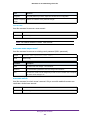
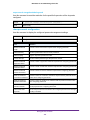
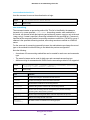
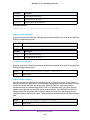
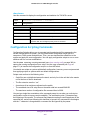
Default
•
•
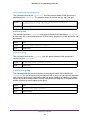
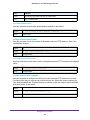
Format
ip icmp error-interval <burst-interval> [<burst-size>]
Mode
Global Config
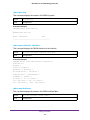
burst-interval of 1000 msec.
burst-size of 100 messages
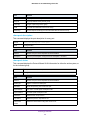
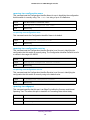
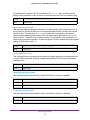
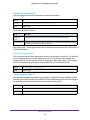
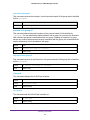
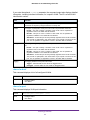
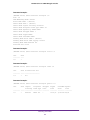
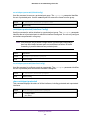
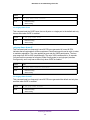
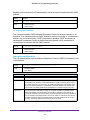
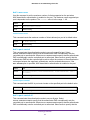
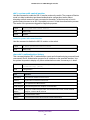
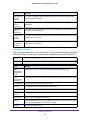
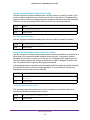
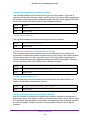
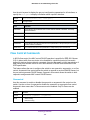
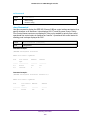
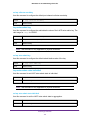
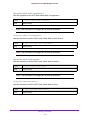
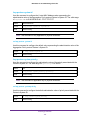
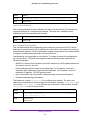
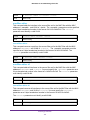
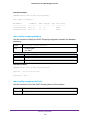
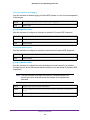
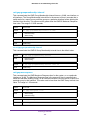
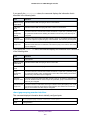
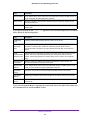
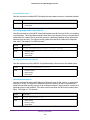
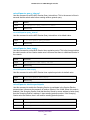
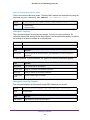
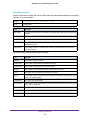
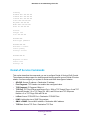
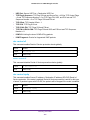
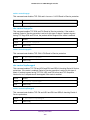
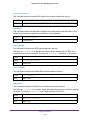
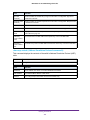
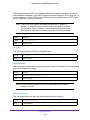
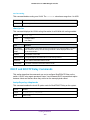
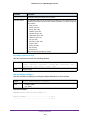
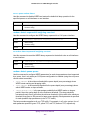
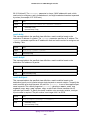
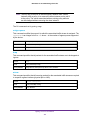
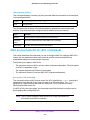
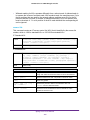
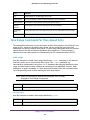
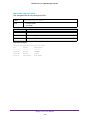
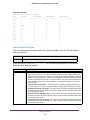
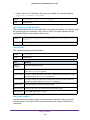
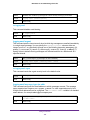
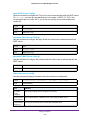
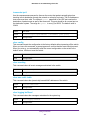
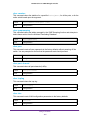
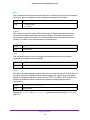
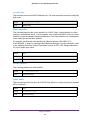
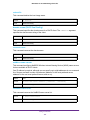
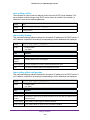
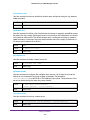
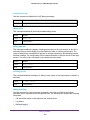
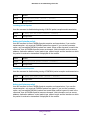
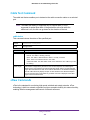
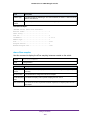
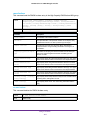
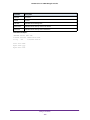
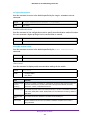
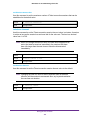
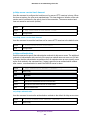
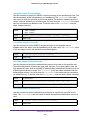
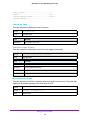
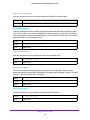
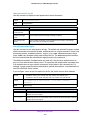
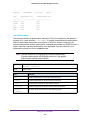
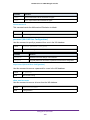
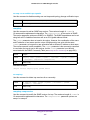
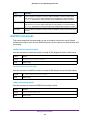
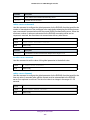
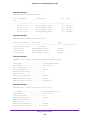
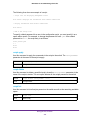
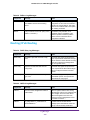
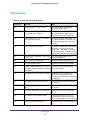
no ip icmp error-interval
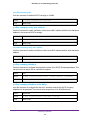
Use this command to return the burst interval and burst size to their default values.
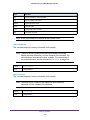
Format
no ip icmp error-interval
Mode
Global Config
Routing Commands
261