1
M4100 Series ProSAFE Managed Switches
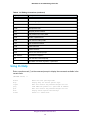
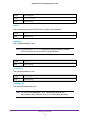
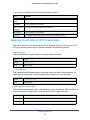
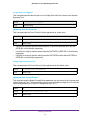
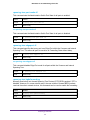
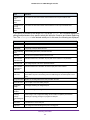
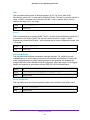
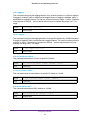
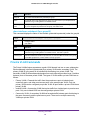
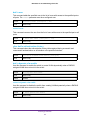
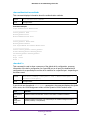
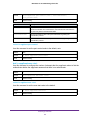
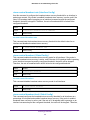
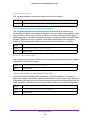
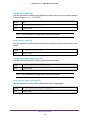
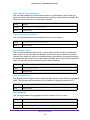
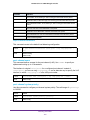
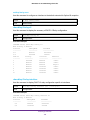
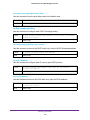
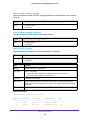
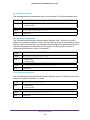
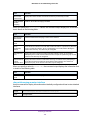
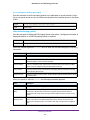
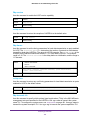
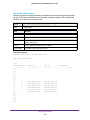
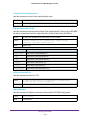
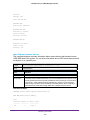
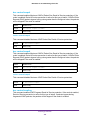
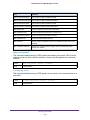
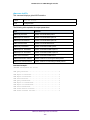
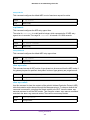
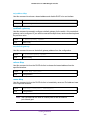
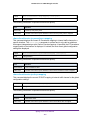
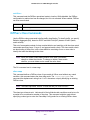
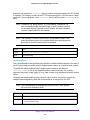
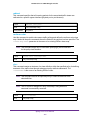
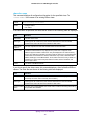
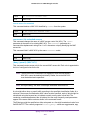
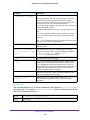
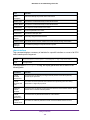
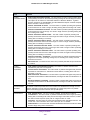
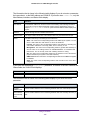
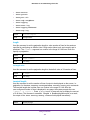
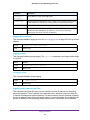
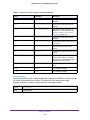
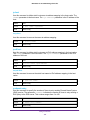
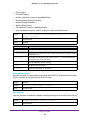
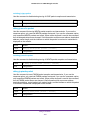
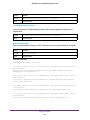
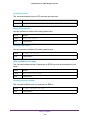
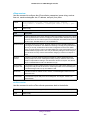
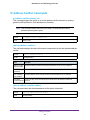
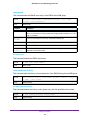
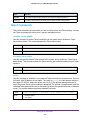
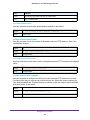
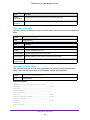
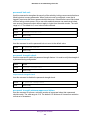
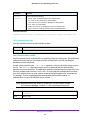
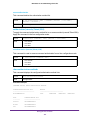
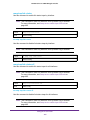
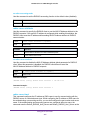
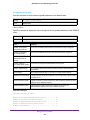
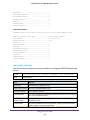
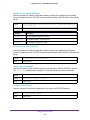
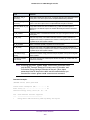
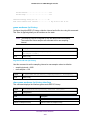
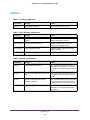
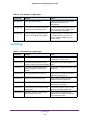
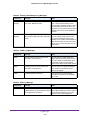
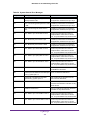
Responses.....................................
Malformed Responses...........................
Bad Authenticators............................
Pending Requests..............................
Timeouts......................................
Unknown Types.................................
Packets Dropped...............................
0
0
0
0
0
0
0
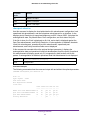
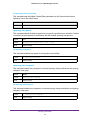
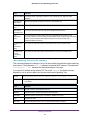
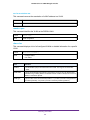
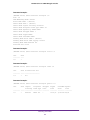
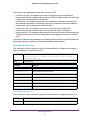
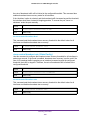
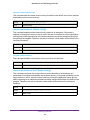
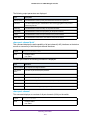
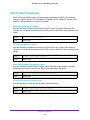
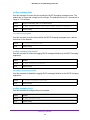
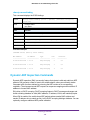
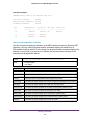
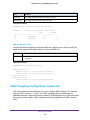
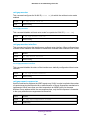
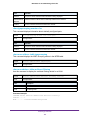
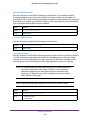
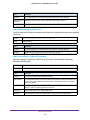
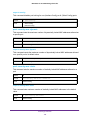
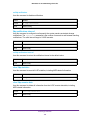
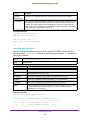
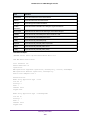
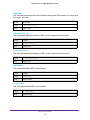
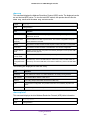
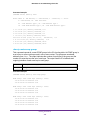
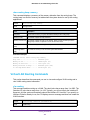
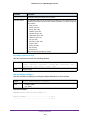
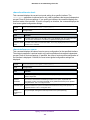
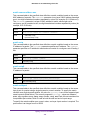
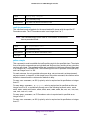
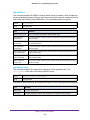
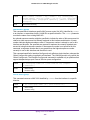
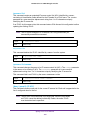
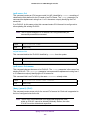
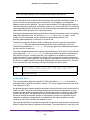
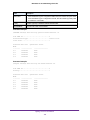
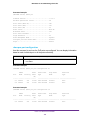
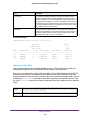
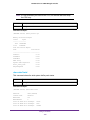
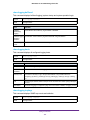
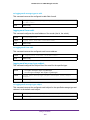
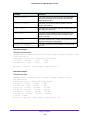
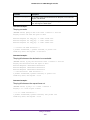
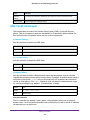
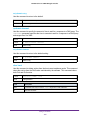
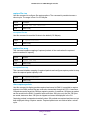
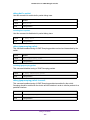
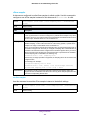
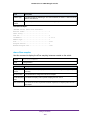
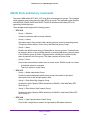
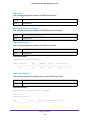
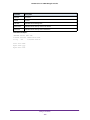
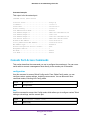
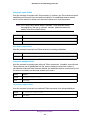
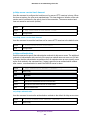
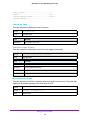
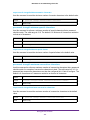
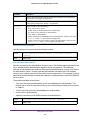
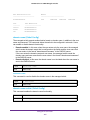
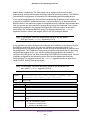
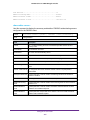
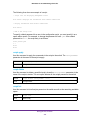
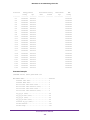
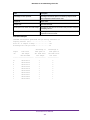
Command example:
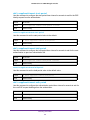
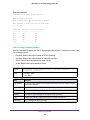
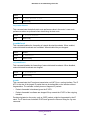
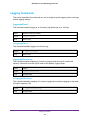
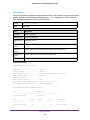
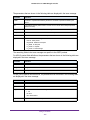
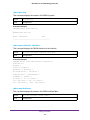
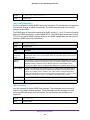
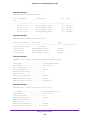
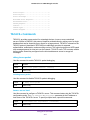
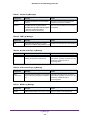
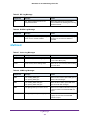
(NETGEAR Switch) #show radius accounting statistics name Default_RADIUS_Server
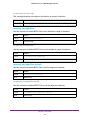
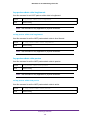
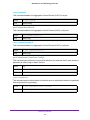
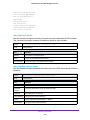
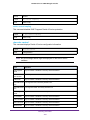
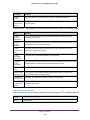
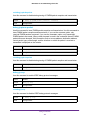
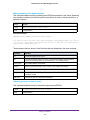
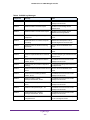
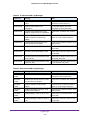
RADIUS Accounting Server Name.................
Host Address..................................
Round Trip Time...............................
Requests......................................
Retransmissions...............................
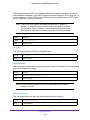
Responses.....................................
Malformed Responses...........................
Bad Authenticators............................
Pending Requests..............................
Timeouts......................................
Unknown Types.................................
Packets Dropped...............................
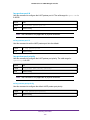
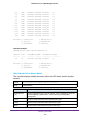
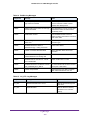
Default_RADIUS_Server
192.168.37.200
0.00
0
0
0
0
0
0
0
0
0
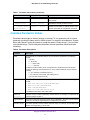
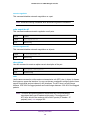
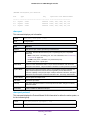
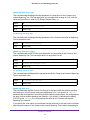
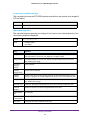
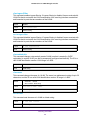
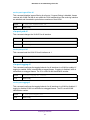
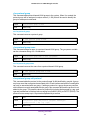
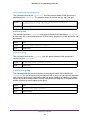
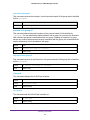
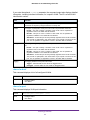
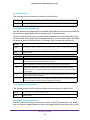
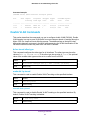
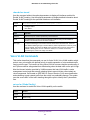
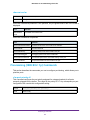
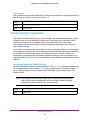
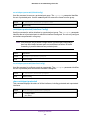
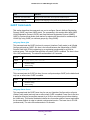
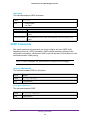
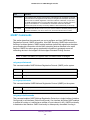
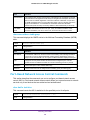
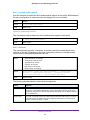
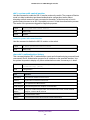
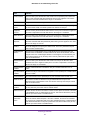
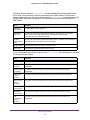
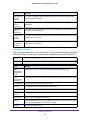
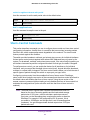
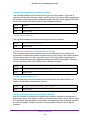
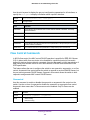
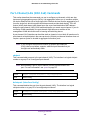
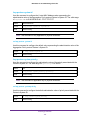
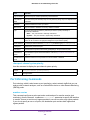
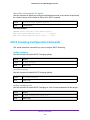
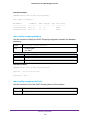
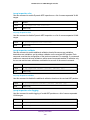
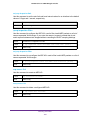
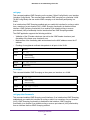
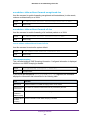
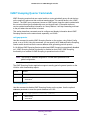
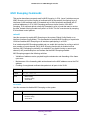
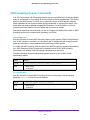
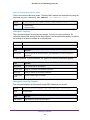
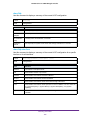
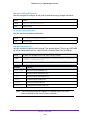
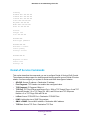
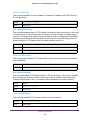
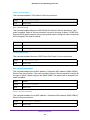
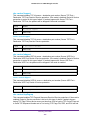
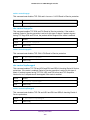
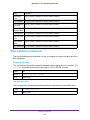
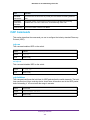
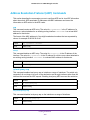
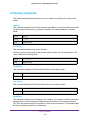
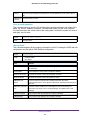
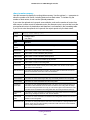
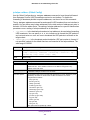
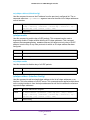
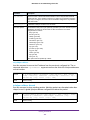
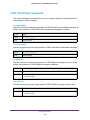
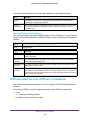
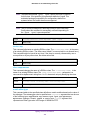
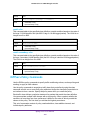
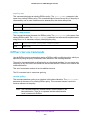
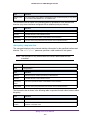
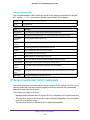
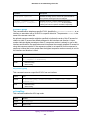
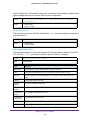
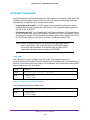
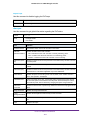
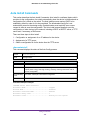
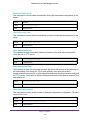
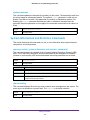
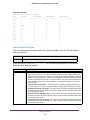
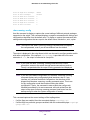
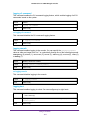
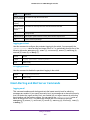
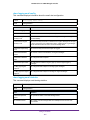
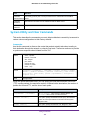
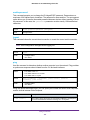
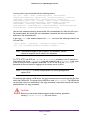
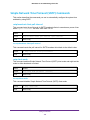
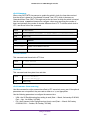
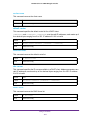
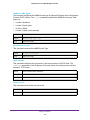
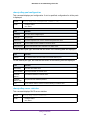
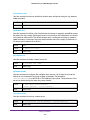
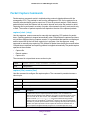
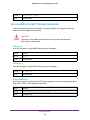
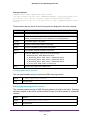
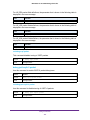
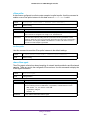
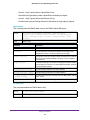
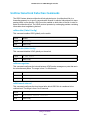
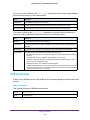
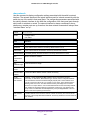
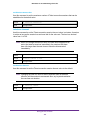
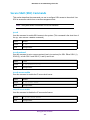
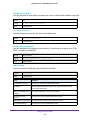
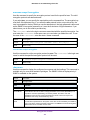
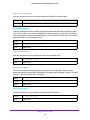
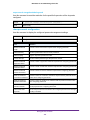
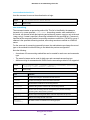
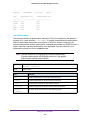
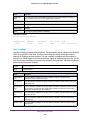
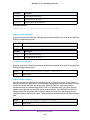
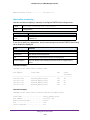
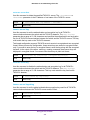
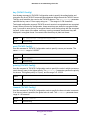
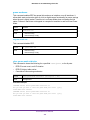
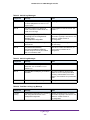
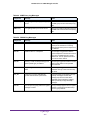
show radius statistics
Use this command to display the summary statistics of configured RADIUS Authenticating
servers.
Format
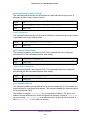
show radius statistics {<ipaddr> | <dnsname> | name <servername>}
Mode
Privileged EXEC
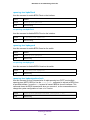
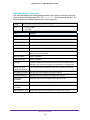
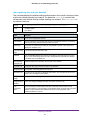
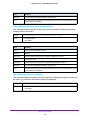
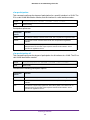
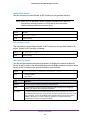
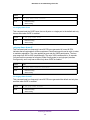
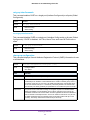
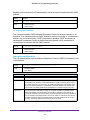
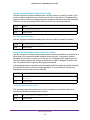
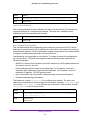
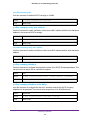
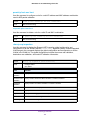
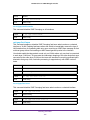
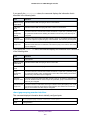
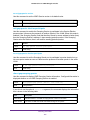
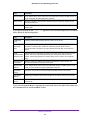
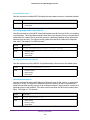
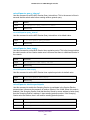
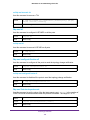
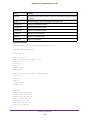
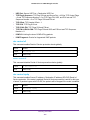
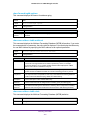
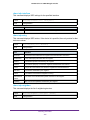
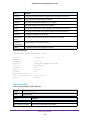
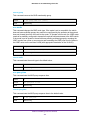
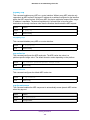
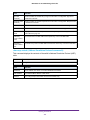
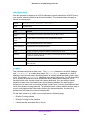
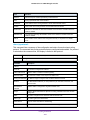
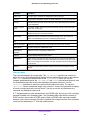
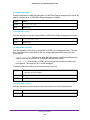
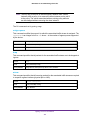
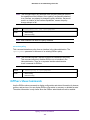
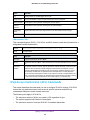
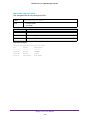
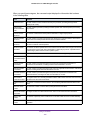
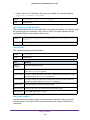
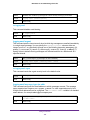
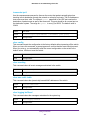
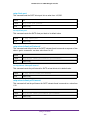
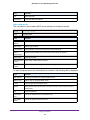
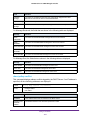
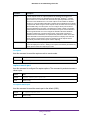
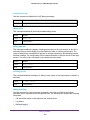
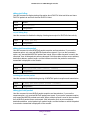
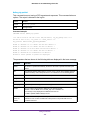
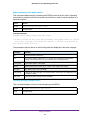
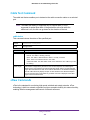
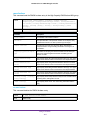
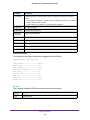
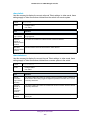
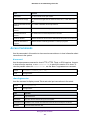
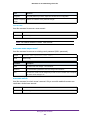
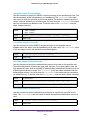
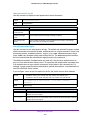
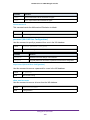
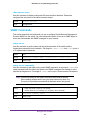
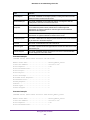
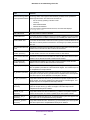
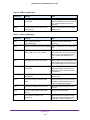
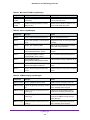
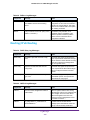
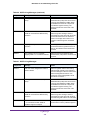
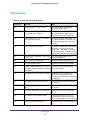
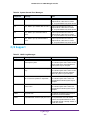
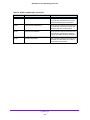
Field
Definition
servername
The alias name to identify the server.
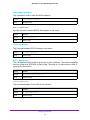
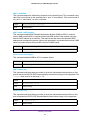
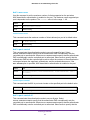
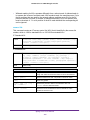
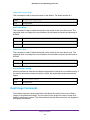
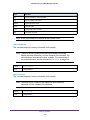
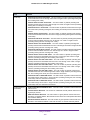
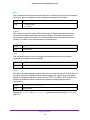
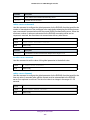
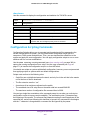
RADIUS Server Name
The name of the authenticating server.
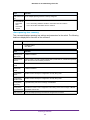
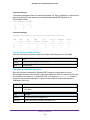
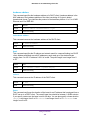
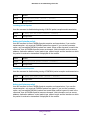
Server Host Address
The IP address of the host.
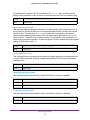
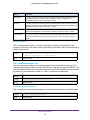
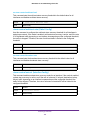
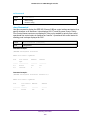
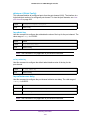
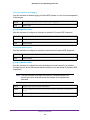
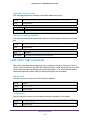
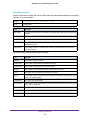
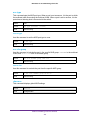
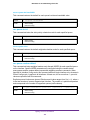
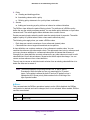
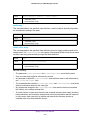
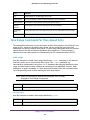
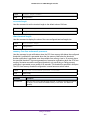
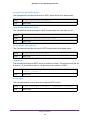
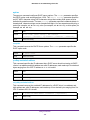
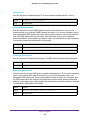
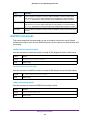
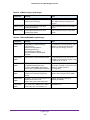
Access Requests
The number of RADIUS Access-Request packets sent to this server. This number
does not include retransmissions.
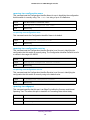
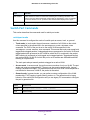
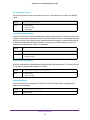
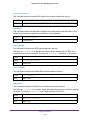
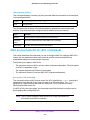
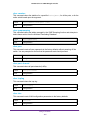
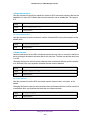
Access
Retransmissions
The number of RADIUS Access-Request packets retransmitted to this RADIUS
authentication server.
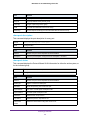
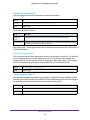
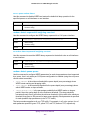
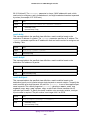
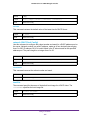
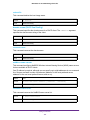
Access Accepts
The number of RADIUS Access-Accept packets, including both valid and invalid
packets, that were received from this server.
Management Commands
512