1
CPT - User Guide
5.6 Test step
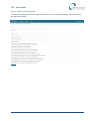
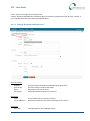
Limits data so that it only includes data concerning the selected test step.
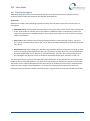
By default (*) all items are selected, however this is an inter-related field (see section 5.1), so a selection in
one of the other related fields will influence the available contents of the Test Step field.
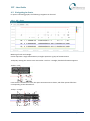
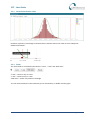
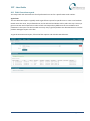
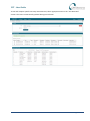
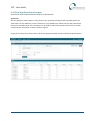
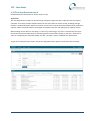
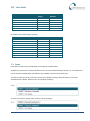
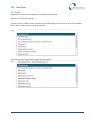
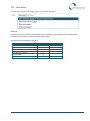
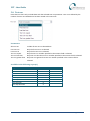
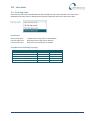
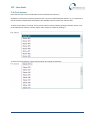
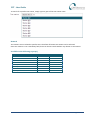
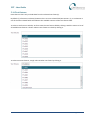
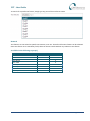
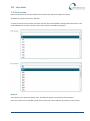
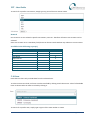
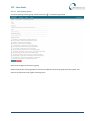
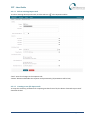
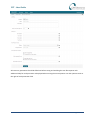
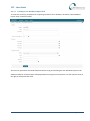
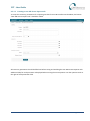
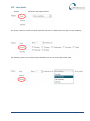
To select a test step to include, set focus onto the Test step field by clicking it with the mouse. A list of all
available test steps is shown. Select a test step to include by clicking it.
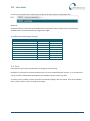
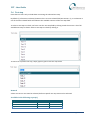
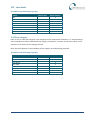
To search for a specific test step, simply type any part of the test step name.
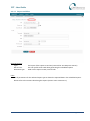
Remark
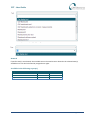
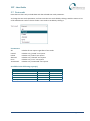
A least one item or test must be selected, before a specific test step name can be selected.
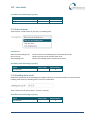
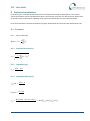
Available in the following report(s)
Report
SPC
Time Series
Repair Pareto
Default filter
X
X
X
Advanced filter
Page 33 of 69