1
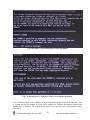
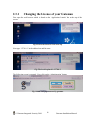
At the login screen (applet), use the default ‘Administrator’ name and password:
Name =
admin
Password=
password
Fig:The Gateman login applet
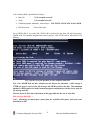
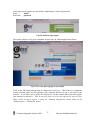
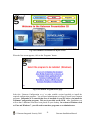
The system will now verify your credentials and provide you with an applet shown below.
Fig: First screen after logging in successfully
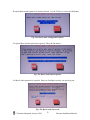
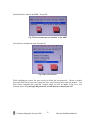
Click on the OK button and proceed to change the License key. This license is a temporary
license provided when you first purchase your Gateman software, or get a trial copy of the
software. It will allow you to utilize the software for 30 days within which you must register
your software to activate it. (This license will allow you to use the software for up to 30 days
before which you must register it using the ‘Gateman Registration’ button found on the
‘Administration -> Dashboard’ menu.)
© Gateman Integrated Security 2010.
17
Gateman Installation Manual