1
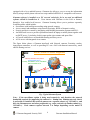
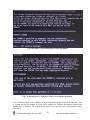
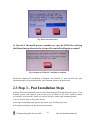
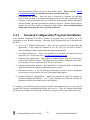
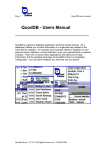
Fig: The Gateman Presentation DVD first screen
When the first screen appears, click on the ‘Programs’ button.
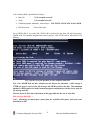
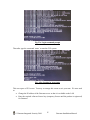
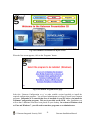
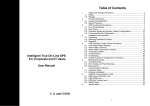
Fig: The Gateman Programs menu page
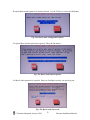
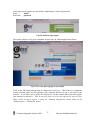
Select the ‘Gateman Configuration x.x.x’ or other suitable version hyperlink to install the
required configuration programs. You will need administrator privileges to install your Gateman
programs. Remember it is essential that Java is installed on your PC before you install the
Gateman Configuration program. This too is provided on the DVD. After installation you
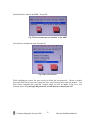
will see that 3 additional icons have been placed on your desktop. In versions of Windows such
as Vista and Windows 7, you will need to run these programs as an Administrator.
© Gateman Integrated Security 2010.
21
Gateman Installation Manual