1
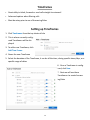
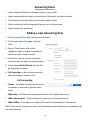
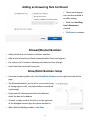
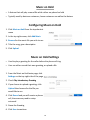
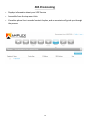
Music on Hold A feature that will play a sound file while callers are placed on hold Typically used by business customers, home customers can utilize the feature Configuring Music on Hold 1. Click Music on Hold from the top shortcut menu 2. In the top right corner, click Add Music 3. Browse for the music file you wish to use 4. Title the song, give a description 5. Click Upload Music on Hold Settings Used to play a greeting for the caller before the phone will ring User can either record their own greeting, or upload a file 1. From the Music on Hold main page, click Settings on the top right side of the page 2. Check Play Introductory Greeting 3. If you choose to upload a greeting, click Upload then browse for the file you would like to use 4. Click Record and you will receive a phone call, the same way used to setup voicemail 5. Name the Greeting 6. Click Save to continue 18