1
WFRControl
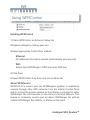
Using WFRControl
Initiating WFRControl
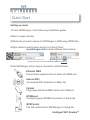
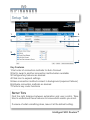
1 Check WFRControl as Active on Setup tab
2 Expand settings by clicking gear icon
3 Select appropriate Control Over method
!
!
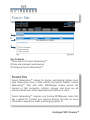
Ethernet
No additional information needed (automatically senses ports)
!
!
WiFi
Select client WiFiRanger’s SSID and enter WPA key
4 Click Save
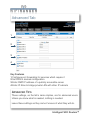
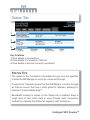
5 Select WFRControl then Scan and Join on Main tab
About WFRControl
WFRControl is used to pair two WiFiRangers together to seamlessly
connect through other WiFi networks from the master Control Panel
and for uniting the private network so that devices connected to either
WiFiRanger can communicate on the same Local Area Network. This
feature is commonly used to pair an indoor WiFiRanger Go with an
outdoor WiFiRanger Sky, Mobile, or Marine as the client.
Intelligent WiFi Routers™