1
OPERATING THE ACU
View Versions
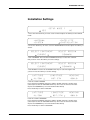
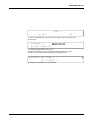
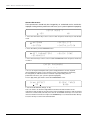
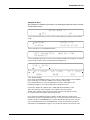
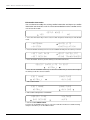
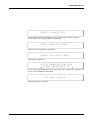
SETUP MODE ?
YES
NO
1. Press the LEFT arrow key to move cursor to YES and press the OK key to enter SETUP
mode.
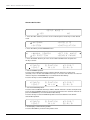
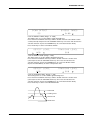
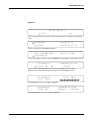
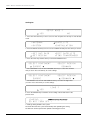
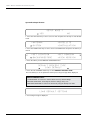
+ANTENNA
+SATELLITE
+SYSTEM
+INSTALLATION
2. Press the DOWN arrow key to move cursor to SYSTEM menu and press the OK key to
enter it.
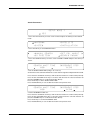
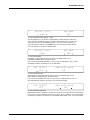
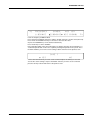
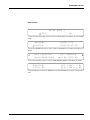
+SET LOCATION
+SET REMOCON
+BACKUP&RESTORE
+VIEW VERSION
3. Press the arrow key to move cursor to VIEW VERSION and press the OK key to enter it.
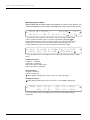
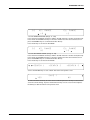
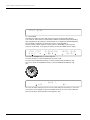
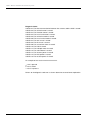
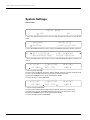
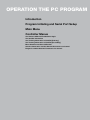
[VERSION]
A N T : 1 . 0 0 - 1. 0 1
LIB:1.03
ACU:1.00 - 1.02
4. System firmware versions are displayed. Press the RETURN key to return to the previous
view.
71