1
OD5000UME01-3
Chapter 3 System Settings
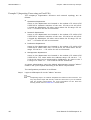
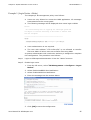
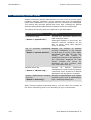
Example 1 (Bridge Mode)
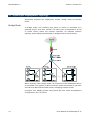
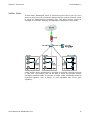
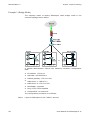
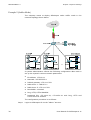
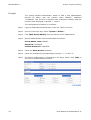
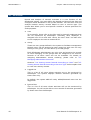
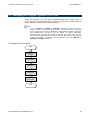
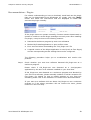
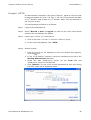
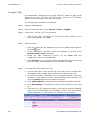
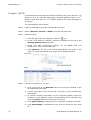
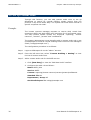
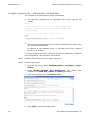
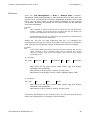
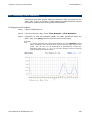
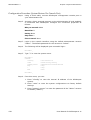
The company wants to deploy SifoScopes under bridge mode in the
network topology shown below.
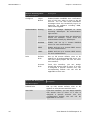
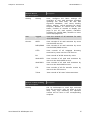
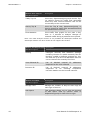
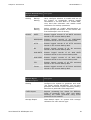
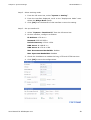
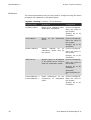
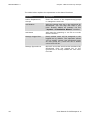
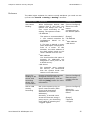
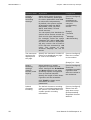
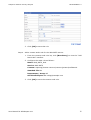
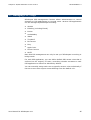
A system administrator collects the following necessary configuration
data.
z
IP address: 172.19.0.1
z
Netmask: 255.255.255.0
z
Default gateway: 172.19.1.254
z
DNS Server 1: 168.95.1.1
z
DNS Server 2: 172.19.1.254
z
Bandwidth: unlimited
z
Ping, HTTP, HTTPS enabled
z
Permitted IP: no restriction
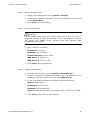
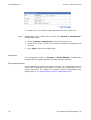
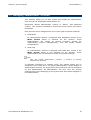
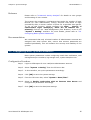
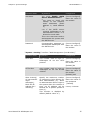
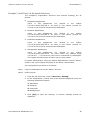
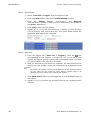
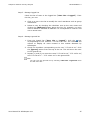
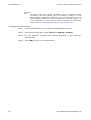
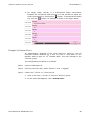
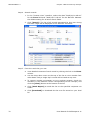
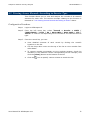
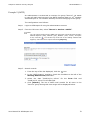
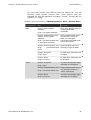
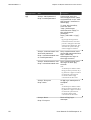
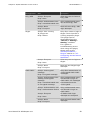
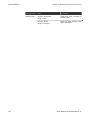
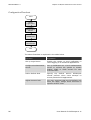
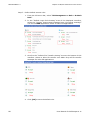
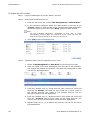
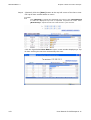
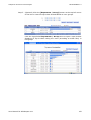
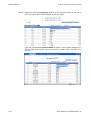
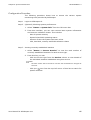
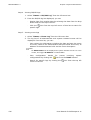
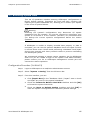
The configuration procedure is as follows:
Step 1
28
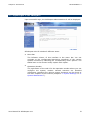
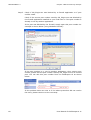
Login to SifoScopes via the “admin” account.
User Manual for SifoScopes 4.11