1
User Manual
3 Working with the Program
Interactive Data Analysis
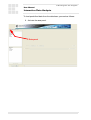
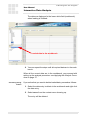
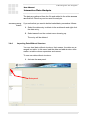
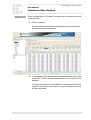
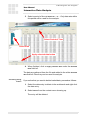
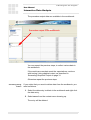
The data are displayed in the lower white field (workbench)
when loading is finished:
Loaded data in the workbench
9. You can repeat the steps until all required data are in the workbench.
When all the correct data are in the workbench, you proceed with
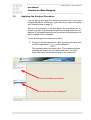
setting up the analysis procedure. see Applying the Analysis Procedure on page 27.
Correcting wrong
entries
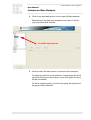
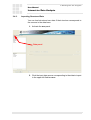
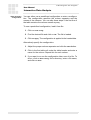
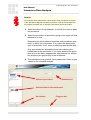
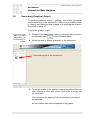
If you notice that you want to delete loaded data, proceed as follows:
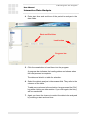
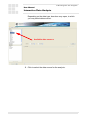
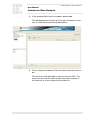
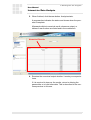
1. Select the data entry to delete in the workbench and right click
the data entry.
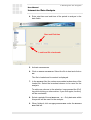
2. Select Delete from the context menu showing up.
The entry will be deleted.
18
Version V1.1