1
Displays
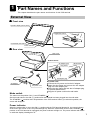
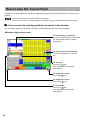
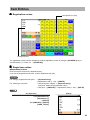
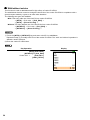
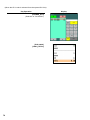
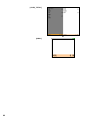
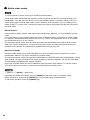
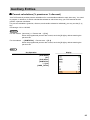
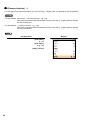
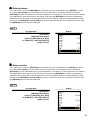
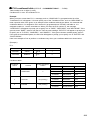
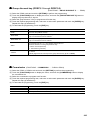
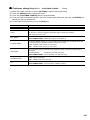
This POS terminal is equipped with a color LCD operator display. The operator display is a touch panel.
Operations can be performed by touching the screen (that shows keys or items in the window) of the
operator display.
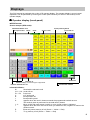
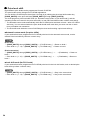
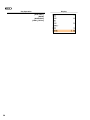
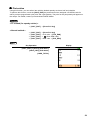
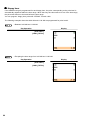
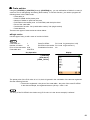
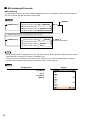
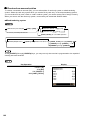
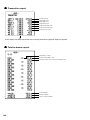
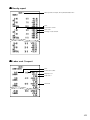
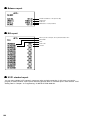
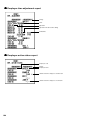
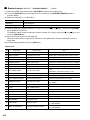
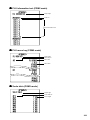
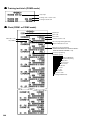
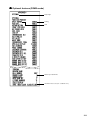
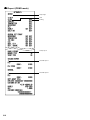
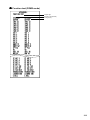
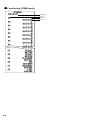
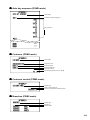
■ Operator display (touch panel)
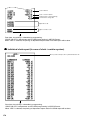
• Initial screen
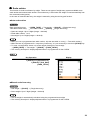
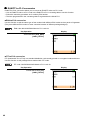
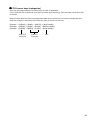
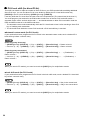
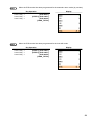
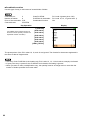
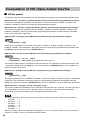
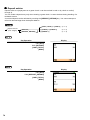
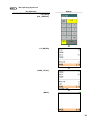
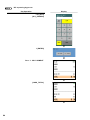
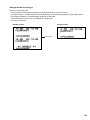
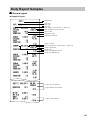
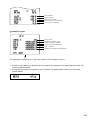
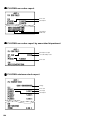
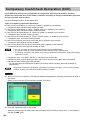
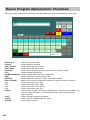
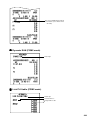
Screen example (REG mode):
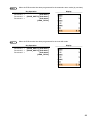
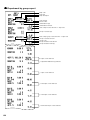
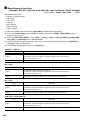
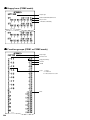
Information/Status area
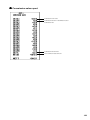
Receipt window
Mode
Touch-panel keyboard
Clerk
Screen name
Terminal no.
Numeric entry: An entered figure is appeared.
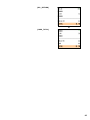
Product name/Version no.
Level shift no.
Date/Time
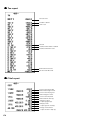
Function bar window
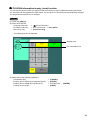
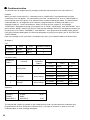
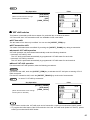
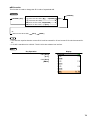
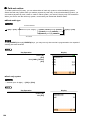
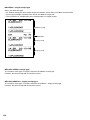
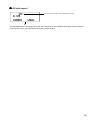
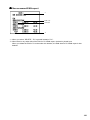
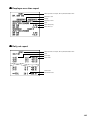
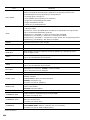
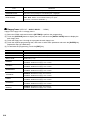
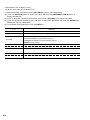
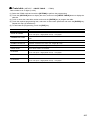
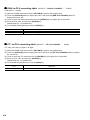
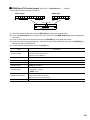
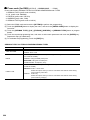
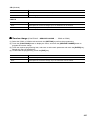
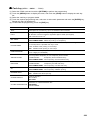
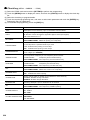
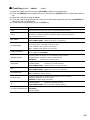
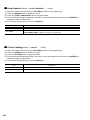
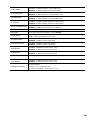
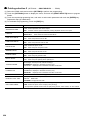
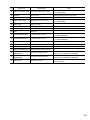
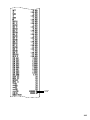
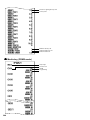
Information/Status:
M:
Received the electronic mail
L01 – L10: Level shift no.
P1 – P8:
Price level
V:
VAT shift mode
R:
Receipt switch off
r:
Receipt shift symbol
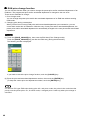
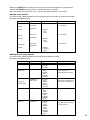
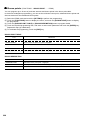
X:
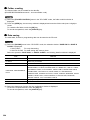
Appears when the cash in drawer exceeds the programmed sentinel amount.
The sentinel check is performed for the total cash in drawer.
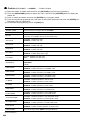
1 - 3:
When a VMP file used memory is 90% or more, its file number is indicated.
!:
Appears when the stock of the PLU which you entered is zero, negative or reaches the
minimum stock.
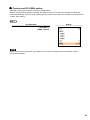
E:
Electronic journal memory is full. (Green ➝ Yellow ➝ Red)
T:
T-Log memory is full. (Green ➝ Yellow ➝ Red)
9