1
13 EURO Migration Function
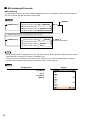
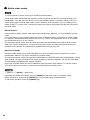
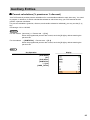
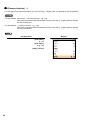
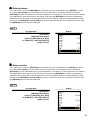
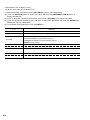
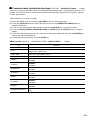
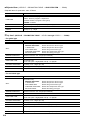
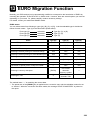
Basically your POS terminal can be automatically modified to correspond to the introduction of EURO by
executing the operation “EURO STATUS” in X2/Z2 mode. However, there are several options you must set
depending on your need. So, please carefully conduct necessary settings.
For details, contact your authorized SHARP dealer.
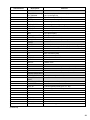
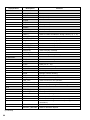
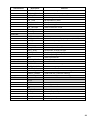
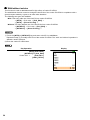
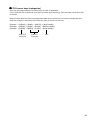
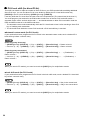
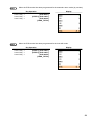
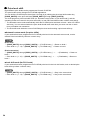
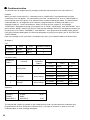
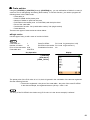
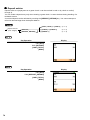
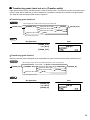
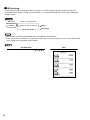
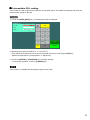
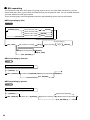
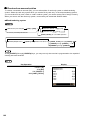
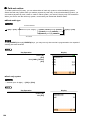
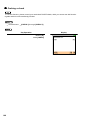
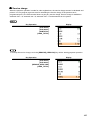
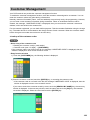
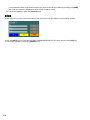
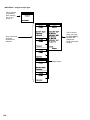
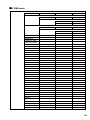
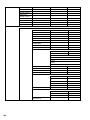
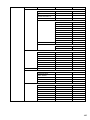
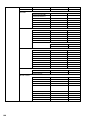
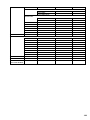
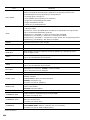
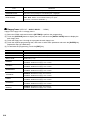
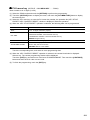
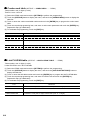
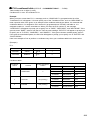
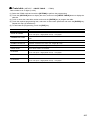
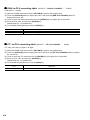
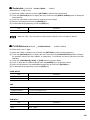
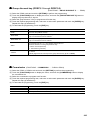
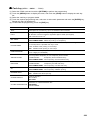
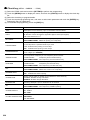
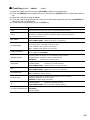
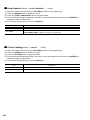
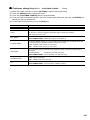
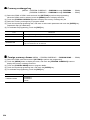
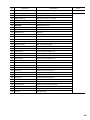
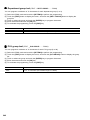
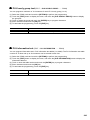
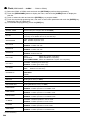
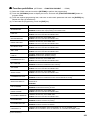
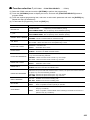
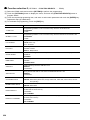
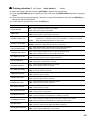
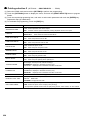
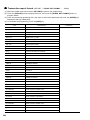
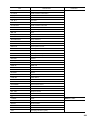
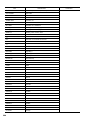
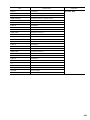
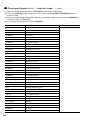
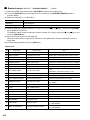
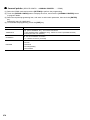
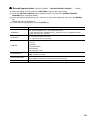
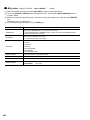
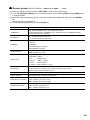
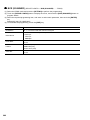
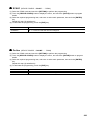
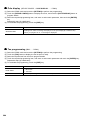
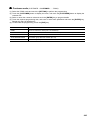
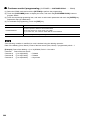
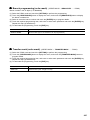
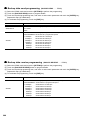
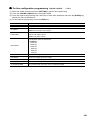
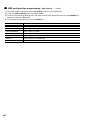
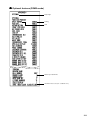
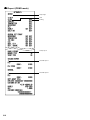
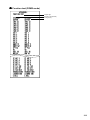
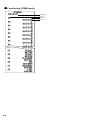
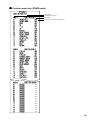
EURO status:
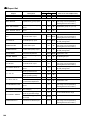
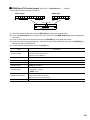
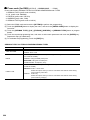
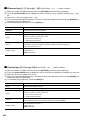
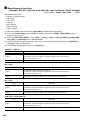
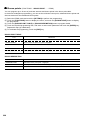
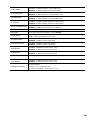
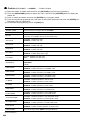
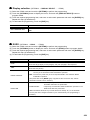
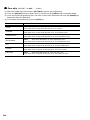
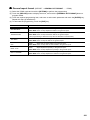
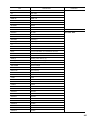
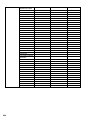
You can select status from following 4 types ((A), (B), (C), or (D)). And the selectable type is decided as
follows for each status. Type (A) is the base status (initial status).
selectable
selectable
selectable
Items
▲ ▲ ▲
From type (A)
From type (B)
From type (C)
Type (B), (C), or (D)
Type (C), (D)
Type (D)
Type (B)
Type (C)
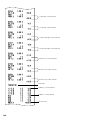
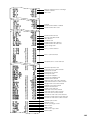
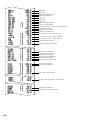
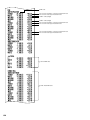
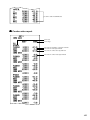
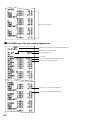
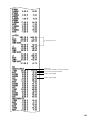
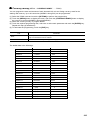
General Z1 report
ISSUE
ISSUE
ISSUE
General Z2 report
ISSUE
ISSUE
ISSUE
—
CLEAR
CLEAR
Exchange1 amount printing for total and change
YES
YES
NO
Exchange1 amount printing for total validation print
YES
YES
NO
DIVISION
MULTI
MULTI
Domestic currency symbol
—
[EURO]
[EURO]
Domestic TAB
—
2
2
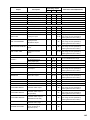
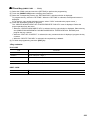
Conversion of preset prices of Dept./PLU/EAN*
—
YES
YES
[EURO]
The current
domestic
currency symbol
—
2
The current
domestic TAB
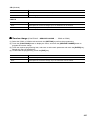
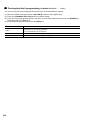
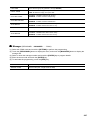
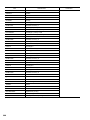
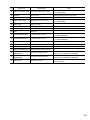
GT1/GT2/GT3 memory
Exchange1 calculation method
Exchange1 currency descriptor
Exchanger1 TAB
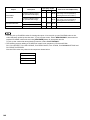
Type (D)
—
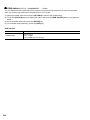
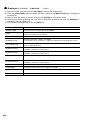
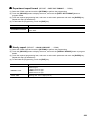
The marked items “—” is remaining the current data.
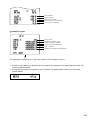
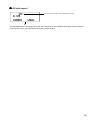
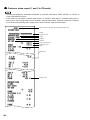
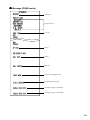
*: The preset rate of the [EXCH1] key is applied as the conversion rate, and the calculation method is set
to “division”. When the conversion has been made, the message “PRICE CONVERTED” is printed on
the report.
329