1
5 Entries
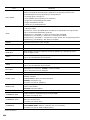
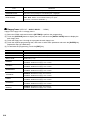
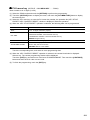
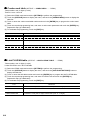
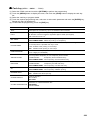
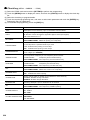
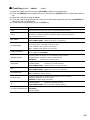
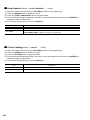
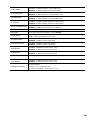
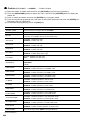
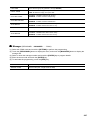
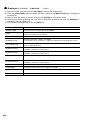
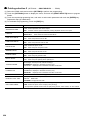
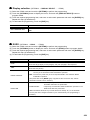
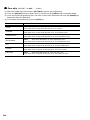
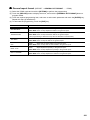
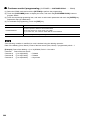
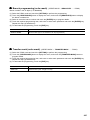
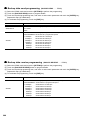
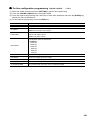
Function Key Description
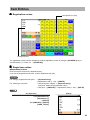
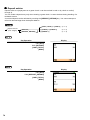
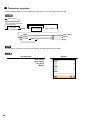
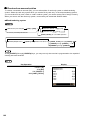
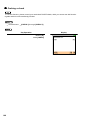
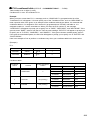
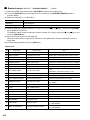
■ Screen transitions
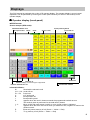
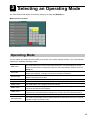
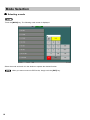
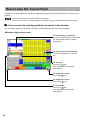
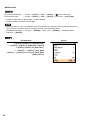
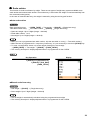
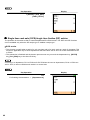
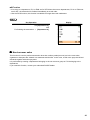
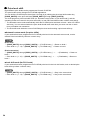
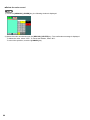
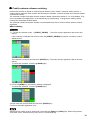
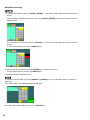
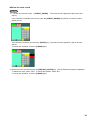
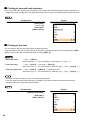
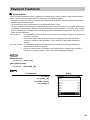
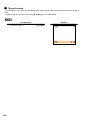
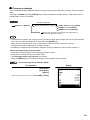
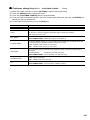
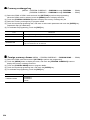
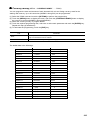
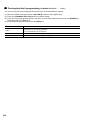
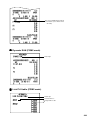
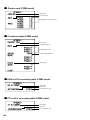
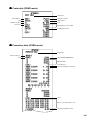
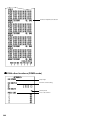
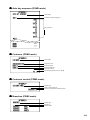
This POS terminal provides the several types of basic screens for various functions or modes.
For example:
· REG mode screen (HOME screen)
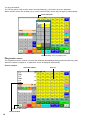
· Mode screen
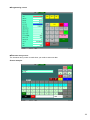
· Payment key screen
etc.
If you want to change the layout, consult your authorized SHARP dealer.
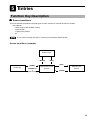
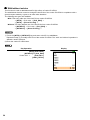
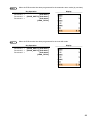
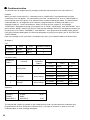
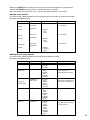
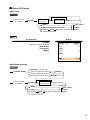
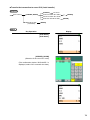
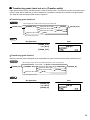
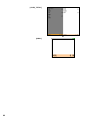
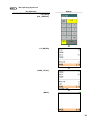
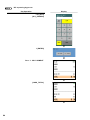
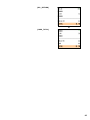
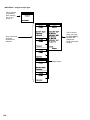
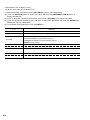
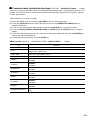
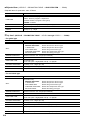
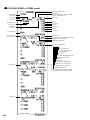
Screen transitions (example)
Mode screen
▲
[MODE]
[EXIT]
▲
▲
▲
[SCREEN n]
or
{screen no. entry}
REG mode screen
(Home)
[HOME]
▲
Screen (n)
[PAY]
▲
[HOME]
Payment key
screen
19