1
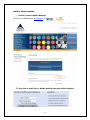
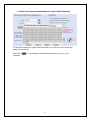
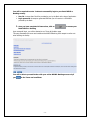
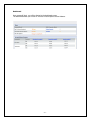
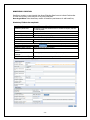
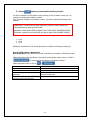
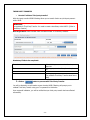
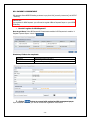
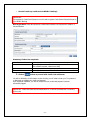
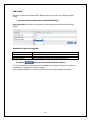
LOCAL PAYMENT o How do I transfer fund from MPCB to other local banks via MPCB E-Banking? Local payment enables users to effect transfer to own or any third party account to any local bank IMPORTANT: Pre-requisite for Local Payment: You need to create a beneficiary to any local bank – [Refer to Beneficiary Creation] How to get there: Select Local Payments module [Transfer to any local bank] Initiate Local Payment sub module Mandatory Fields to be completed: Debit Account Number Value Date Beneficiary Transaction Amount Click on Select debiting account number from drop down list Select appropriate date [For schedule Local Payment select future date] Select appropriate beneficiary from drop down list Enter Transfer amount button to process with Local Payment You will be directed to a confirmation screen whereby you will need to enter your Txn password or Mobitoken to validate your local payment. Upon successful validation, you will be notified that your local payment has been successfully logged. IMPORTANT: MPCB Internet Banking has three cut-off times for Local payment processing: 1. 9:45 2. 14:45 Local payment submitted after 14:45 shall be processed by the Bank the following working - 13 -