1
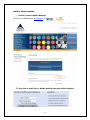
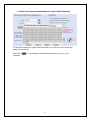
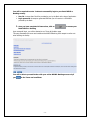
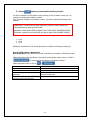
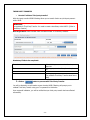
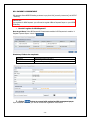
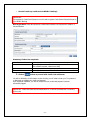
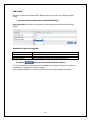
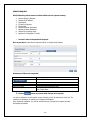
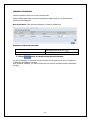
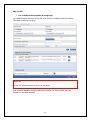
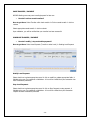
MOBITOKEN MobiToken is a dynamic password which allows MPCB E Banking users to validate transactions effected on MPCB E Banking. It is an optional level of authentication that can be used instead of transactional password. Each MobiToken Passcode can be used only once IMPORTANT: 1. Mobitoken users will not have Txn password 2. MPCB E Banking users opting for Mobitoken will be required to set their MPIN on the first login [one time job] o How do I set my MPIN? How to get there: Select Mobitoken module Click on Update MPIN Mandatory Fields to be completed: MPIN Input a four digit code [One time job] Click on button to set your MPIN You will be notified that you have successfully set your MPIN IMPORTANT: In case you have forgotten your MPIN, please contact us on +230 405 9400 or call at your nearest MPCB branch for further assistance - 21 -