1
Operation
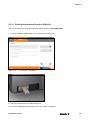
5.3.15 Printing the templates from the USB stick
You can store print data on a USB stick and output it on the PrintJet ADVANCED.
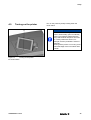
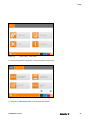
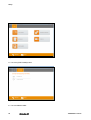
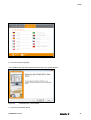
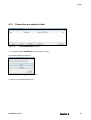
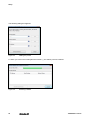
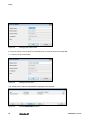
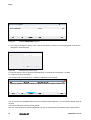
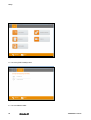
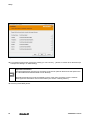
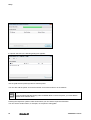
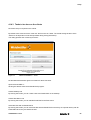
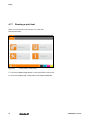
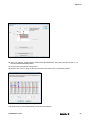
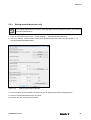
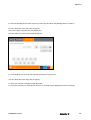
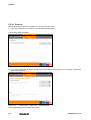
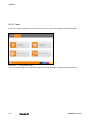
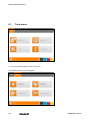
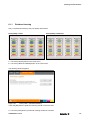
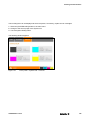
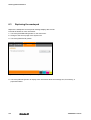
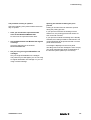
1 Touch the [TEMPLATES] button on the touch panel’s main menu.
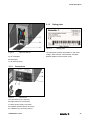
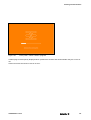
Figure 130
Touch panel – templates
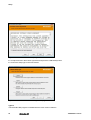
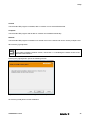
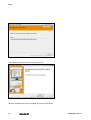
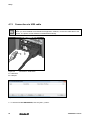
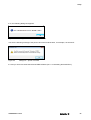
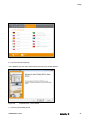
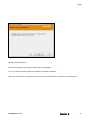
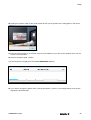
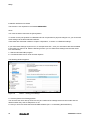
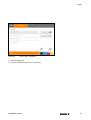
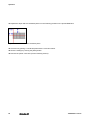
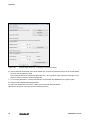
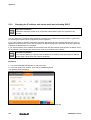
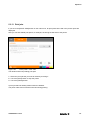
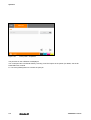
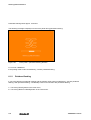
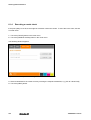
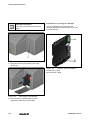
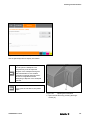
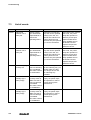
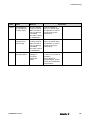
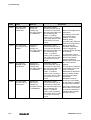
Figure 131
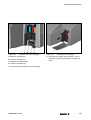
Connection – USB stick
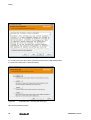
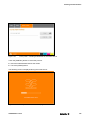
2 Insert the USB stick into the USB master port.
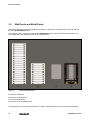
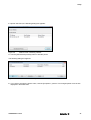
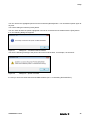
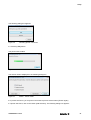
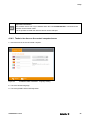
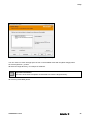
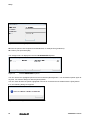
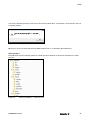
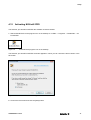
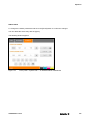
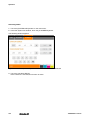
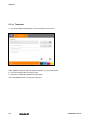
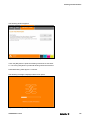
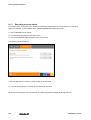
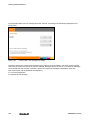
3 Touch the [USB] button (see "Figure 130 Touch panel – templates").
1449820000/1.1/03.13
113