1
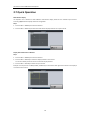
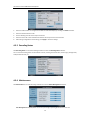
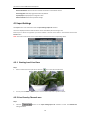
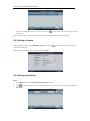
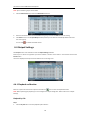
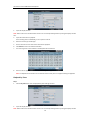
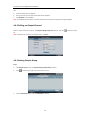
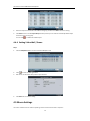
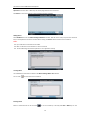
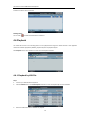
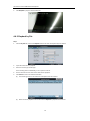
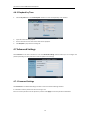
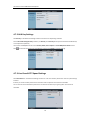
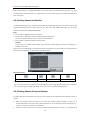
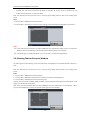
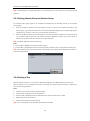
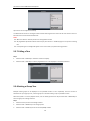
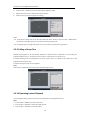
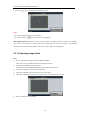
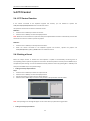
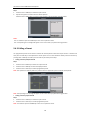
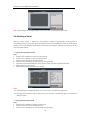
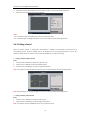
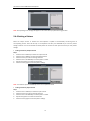
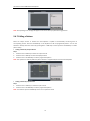
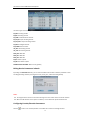
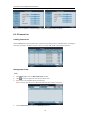
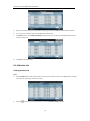
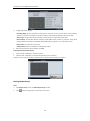
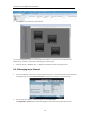
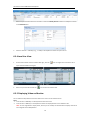
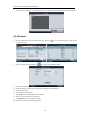
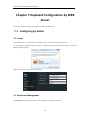
User Manual of DS-1100KI Network Keyboard Chapter 5 Keyboard Operation 5.1 Shortcut Operation The operating user must log in the keyboard to realize all shortcut operations (except LOCK). Shortcut Operation: Press the Num keys on the keyboard to enter the shortcuts operation interface. Notes: When user enters the shortcuts operation interface by inputting the Num key, press ESC to cancel the inputted numeral from the screen and start the shortcut operation. When user enters the shortcuts operation interface by inputting the SET key, user should press it again before starting the shortcut operation. In the shortcuts operation interface, the left part has displayed the current output channel, and user can select different window-division display modes, set input channel for each window, or configure other shortcut operations. And the right part of the interface is used for displaying the current key input and some shortcut operations. 5.2 Local Live View The local live view refers to display the video signal from the input channel through the network keyboard. Currently, only the 1-window display mode for 1 decoding channel is supported. In the preview mode, user can operate other shortcut functions. Steps: 1. Press the 0+MON keys to enter local preview. 2. Press the Num + CAM keys to select the camera input for display on the screen. Note: In the local operation status, it is unallowable to operate the window (WIN), camera group (CAM-G), multi-division display (MULT) and camera tour (TOUR) functions. 59